



How to Get More Votes on Instagram Story Polls

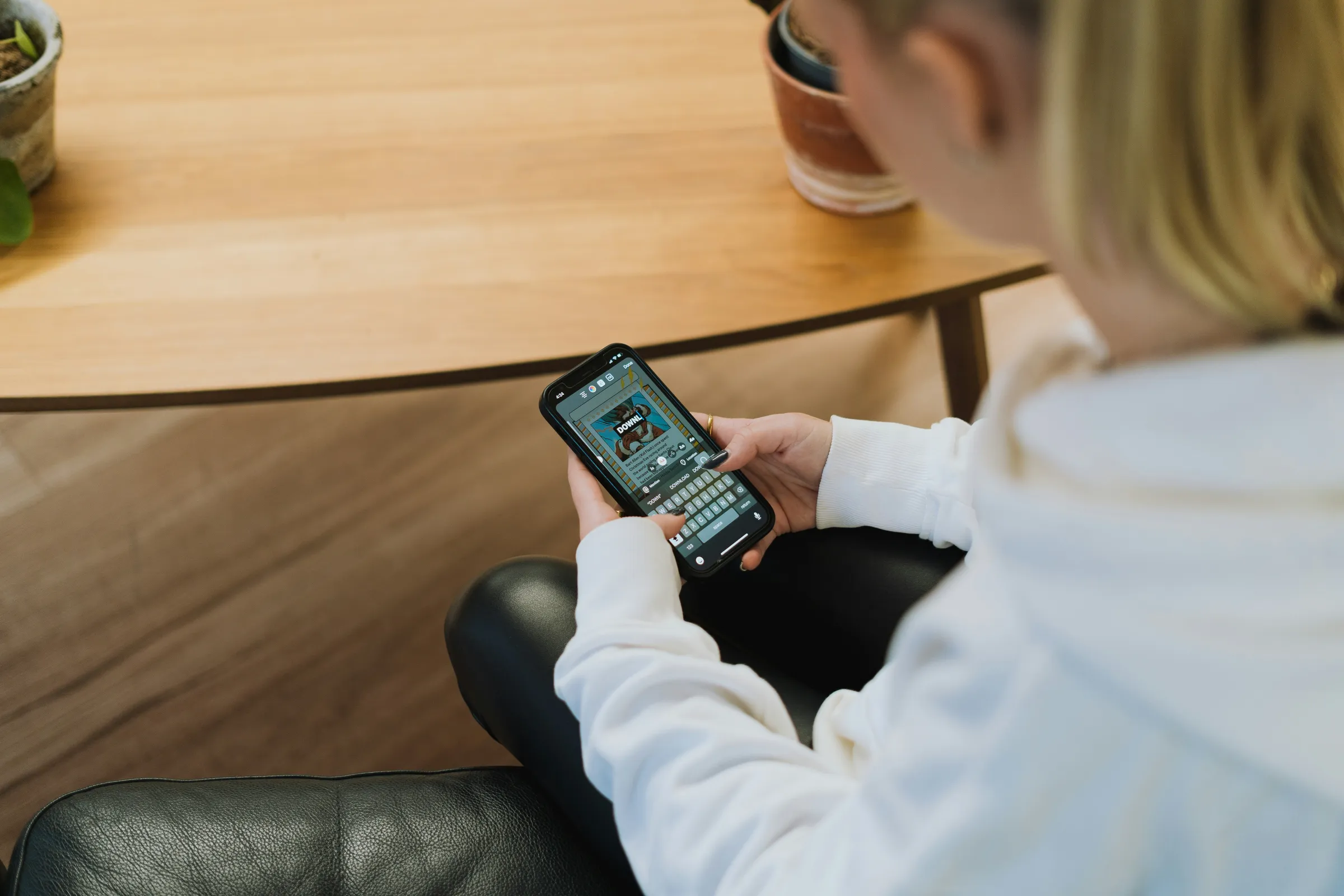
You add a poll sticker to your Story, ask something you actually want to know, and a few hours later the result reads 4 votes against 2. Meanwhile the same Story has 300 viewers. Most people saw the question and kept tapping forward.
That gap between views and votes is the real problem, and it usually has nothing to do with how big your account is. It comes from the question itself, where the sticker sits, when the Story goes up and what happens to the poll after it is posted. Each of those is something you control.
Below is how Instagram polls work today, the methods that turn more viewers into voters, the mistakes that waste a poll or put an account at risk, and what to do when you need votes faster than your own audience can give them.
How Instagram Polls Work Right Now
Before changing anything, it helps to know exactly where a poll can live and what each side sees.
Where you can add a poll
- Stories. The poll sticker is the classic format. You write a question and up to four answer options, and you can type your own text for each option instead of the default "Yes" and "No".
- Reels. Polls are among the interactive stickers you can add to a Reel, so the question can travel with content that reaches people who don't follow you yet.
- Group chats. In a group DM with three or more people, you can create a poll from the chat itself. Members see each other's answers, which suits small groups such as a team, a class or a group of regular buyers.
What you see and what voters see
A viewer taps an option and immediately sees the current split in percentages. As the creator, you see more: open the viewers list of the Story and you can see who voted and for which option. You can also share the results to a new Story, which shows the final percentages to everyone who watches it.
The 24-hour limit
A Story poll lives as long as the Story does. Once the Story expires after 24 hours, the poll stops collecting votes. That single fact shapes most of the methods below: a Story poll is a one-day campaign, so the first hours matter much more than they do for a regular post.
1. Ask Questions People Can Answer in One Second
The biggest reason people skip a poll is that answering takes effort. A good poll question can be answered before the viewer's thumb moves to the next Story.
What works
- Either-or choices: "Black or white version?", "Morning or evening workout?", "Long video or short one?"
- Opinions that cost nothing to share: "Is pineapple on pizza fine?", "Do you read the last page of a book first?"
- Decisions you are really making: "Which cover should I use?", "Which city should I visit next?"
- Light self-recognition: "Do you reply to messages right away or days later?"
What gets ignored
Questions that need context the viewer doesn't have, questions with too many similar options, and questions that feel like a survey from a company ("How satisfied are you with our service?"). If someone has to think about which answer is correct, they leave.
Example. A coffee shop that asked "What do you think of our new seasonal menu?" collected a handful of taps. The next week it posted two photos side by side with "Which one should stay on the menu: cinnamon latte or maple cold brew?" The second question was concrete and visual, and anyone who had seen the drinks could answer instantly.
2. Use Instagram Story Poll Ideas That Fit Your Account
Generic "this or that" polls work once or twice. Polls that only your account could ask work every week, because they tie into what people already follow you for.
- Creators: let people choose the topic of the next video, the thumbnail, or which of two drafts to post.
- Shops: ask which color to restock, which product to bring back, or which bundle people want.
- Coaches and educators: ask which mistake people make most often, then answer it in the next Story.
- Local businesses: ask about opening hours, a new menu item or the date of an event.
- Personal accounts: ask friends to help with a real decision, from an outfit to a holiday destination.
The common thread: the answer changes something. When people see that last week's poll decided what you posted or stocked, they have a reason to vote next time.
Four options or two?
Two options are fastest to answer. Four options are useful when the choice really has four answers, such as picking one of four product colors. Avoid adding options just because the sticker allows it: if two of them mean almost the same thing, the poll becomes harder and votes drop.
3. Design the Story Around the Sticker
A poll sticker dropped in a corner of a busy photo is easy to miss. The Story itself should point the eye at the question.
- Place the sticker in the middle of the screen, away from the top bar with your username and the reply field at the bottom.
- Show what people are voting on. If the question is "Which cover?", put both covers on the screen. Text-only polls work for opinions, but visual choices need the visual.
- Keep the background calm. A plain color or a simple photo lets the sticker stand out.
- Write short option labels. "Blue" and "Green" read faster than "I prefer the blue one".
- Give it time to be read. A photo Story shows for a few seconds before moving on; if your question needs a moment, put it on its own Story instead of the end of a long sequence.
Example. A designer testing two logo versions first posted them in one Story with a small poll sticker at the bottom. The next attempt placed the logos on a white background, labeled them "A" and "B", and set the poll sticker between them. Same audience, same question, but the second Story made voting the obvious next action.
4. Post at the Right Moment in the Story Sequence
Because a Story poll has 24 hours at most, timing has two parts: the time of day and the position in your Stories.
Time of day
Post the poll when your own followers are active, not when a general guide says people are online. Professional accounts can check when followers are most active in their account insights. If you don't have insights, look at when your past Stories collected the most views in the first hours and use that window.
Position in the sequence
Viewers drop off as they tap through Stories. A poll placed tenth in a long row is seen by fewer people than one placed first or second. If the poll matters, put it early, or post it as a separate Story a few hours after your other content.
A reminder before it closes
Many viewers watch Stories once a day. A second Story later the same day, such as "Still deciding between these two, the poll closes tonight", gives late viewers a reason to go back. Keep it to one reminder; more than that feels like pressure.
5. Take the Poll to Close Friends and DMs
Your Close Friends list and your direct messages are where people know you well enough to answer. Using them well can add votes from people who rarely tap public Stories.
Close Friends Stories
A Close Friends Story is a regular Story shown only to the people on your list. Posting a poll there works best for questions that are personal or exclusive: an early look at a product, a decision you want trusted opinions on, or a question for your most active followers. A smaller, closer audience often answers at a higher rate, even though the total number of votes is lower.
Keep the list meaningful. If you add everyone, it stops feeling close and behaves like your public Stories.
Sharing the Story in DMs
You can send your own Story to people in direct messages. Do it with a short personal note to people who would genuinely care about the question, for example "You know this topic better than me, which one would you pick?". A personal ask to ten relevant people works better than a mass message to everyone.
Polls in group chats
If you already run a group chat, ask the question there with the built-in poll. Members see each other's votes, which turns the poll into a short conversation. This is the right format when the question concerns only that group, such as picking a meeting date.
Example. A small clothing brand posted a poll on two new prints to its public Story, then shared the same Story in a group chat with its regular customers. Several votes and a few long replies came from people who almost never interacted with public Stories but were happy to help with a direct question.
6. Show That Votes Change Something
People vote more when they believe the result matters. The easiest way to prove that is to close the loop every time.
- Share the results. From the viewers list of the Story you can share the results to a new Story with the final percentages.
- Act on the winner. Post the cover that won, restock the color people picked, cover the topic they chose.
- Say it out loud. "You chose option B, so here it is" connects the next poll to this one.
- Reply to voters. Since you can see who voted for what, a quick message to a few people who picked the losing option ("I'll try your choice next time") makes them more likely to vote again.
When polls lead to visible results, people start checking your Stories for them. That habit is worth more than any single trick for one poll.
7. Don't Lose Votes After 24 Hours
The poll closes when the Story expires, and the results go with it unless you keep them. Plan for that before you post.
- Save the result before the Story expires. Take a screenshot of the viewers list with the final split, or share the results to a new Story, so you keep the numbers.
- Write down who voted if you need it. If the poll is part of a giveaway or a decision you'll follow up on, note the names while you can still see them.
- Run important questions twice. If the first poll ran on a quiet day, post the same question again later in the week rather than treating a small sample as final.
- Use a Reel for long-running questions. A Story disappears after a day. If you want a question to keep reaching people, a Reel with a poll sticker stays on your profile and can be found long after the first day.
- Don't count on Highlights to keep collecting votes. A Highlight keeps the Story on your profile, but treat the 24-hour window as the time you have for votes and plan the poll around it.
8. Promote the Poll Outside Instagram Stories
Your Story audience is only part of the people who might care about the question.
- Mention the poll in a feed post or Reel caption: "Help me choose the next topic, the poll is in my Stories today."
- Share the question in a newsletter, on another platform or in a community where you are already active, pointing people to your Stories.
- Ask a friend or partner account with a related audience to share your Story if the topic genuinely fits their followers.
Each of these brings in people who would not see the Story otherwise, without asking anyone to do more than tap an answer.
Common Mistakes That Cost Votes or Put an Account at Risk
Mistakes that cost votes
- Posting polls every day with nothing behind them. When nothing ever changes because of a poll, people stop answering.
- Burying the sticker. A small sticker in a corner of a busy image, or the tenth Story in a row, gets skipped.
- Vague or loaded questions. "Do you like our product?" invites a shrug; "Which of these two should we make next?" invites a tap.
- Forgetting the deadline. Posting a key poll late at night leaves only part of the 24 hours when your audience is awake.
- Losing the results. Not saving the split or the list of voters before the Story expires.
Mistakes that get accounts flagged or limited
Instagram's Community Guidelines ask users to avoid "artificially collecting likes, followers, or shares", and Meta's policies on inauthentic behavior target networks of fake accounts used to inflate engagement. Instagram's Help Center also warns that using apps that promise likes and followers can lead to the account being disabled. In practice, these are the patterns to stay away from:
- Giving your password to any service. Apps that ask to log in to your account to "boost" polls or engagement put the account itself at risk.
- Bot votes and fake accounts. Services that send votes from empty or automated accounts are exactly what these policies describe.
- Running several accounts to vote on your own poll. Besides the rules, it makes the result meaningless.
- Mass-messaging strangers with your poll. Unsolicited messages to people who don't follow you look like spam and can limit your messaging.
- Breaking a contest's rules. If a poll decides a contest run by someone else, check what the organizer allows before trying to increase votes in any way.
When Organic Growth Is Too Slow: Votes From Real People
All of the methods above depend on your audience. When the audience is small, or when a poll runs for a contest, a launch or a decision with a fixed deadline, 24 hours may not be enough to collect the number of votes you need.
This is where RapidWorkers fits. It is a microtask marketplace: you post a task, real people complete it from their own Instagram accounts, and you pay per completed action. For polls, you can buy Instagram poll votes from real people who open your Story or Reel and tap the option you name.
How it works
- Create a task. Paste the link to your Story or Reel, write which option to vote for, set the number of votes, the reward and the countries.
- Real people vote. Workers open the poll on their own accounts, tap the option you named and send the proof your brief asks for, such as a screenshot of the poll with the option selected and their username visible.
- You approve the work. You check each submission and pay only for the votes you approve. A submission with the wrong option or fake proof can be rejected.
Price and conditions
- Poll vote tasks start at $0.05 per vote; you set the reward yourself.
- Adding screenshot proof, a country filter or asking workers to watch the full Reel first raises the reward, typically to $0.06–$0.10 per vote.
- A 15% platform fee is added. For example, 100 votes at $0.05 cost $5 plus the fee.
- No password is needed: workers only need the public link and the option to tap.
- Workers come from 200+ countries, and you can open the task to all of them, choose some or exclude some.
Things to keep in mind
- Story polls must be live while people vote. Post the task soon after the Story goes up, because the poll closes when the Story expires after 24 hours. A Reel poll gives you more time.
- Paid votes are not audience research. Workers vote for the option you name, so the result no longer tells you what your followers think. Use your own audience's polls for decisions and feedback.
- Check contest rules first. If the poll is part of someone else's contest, make sure outside votes are allowed.
Key Takeaways
- Ask questions people can answer in a second, ideally about decisions you are really making.
- Make the sticker the center of the Story, show what people are voting on and post it early in your sequence.
- Post when your own followers are active and add one reminder before the poll closes.
- Use Close Friends, personal DMs and group chats for people who know you well enough to answer.
- Share the results and act on them, so the next poll has a reason to get votes.
- Save results and voter names before the 24 hours run out, and use Reels for questions that should keep running.
- Avoid bots, password-sharing apps and extra accounts. When you need votes faster than your audience can give them, a marketplace where real people vote from their own accounts and you approve each vote is the more controlled option.
Ready to Get Started?
Join thousands of workers and employers already using RapidWorkers to get tasks done fast.
- No subscription
- Cancel anytime
- 24/7 availability
- Dispute resolution