



Audio Data for AI

Audio Data Collection
for AI Training

Get real-world sounds recorded by people on their own phones in the countries you choose. Describe what to record, set the pay and approve only the audio that fits.

Real places, real noiseAny countryReview every recording
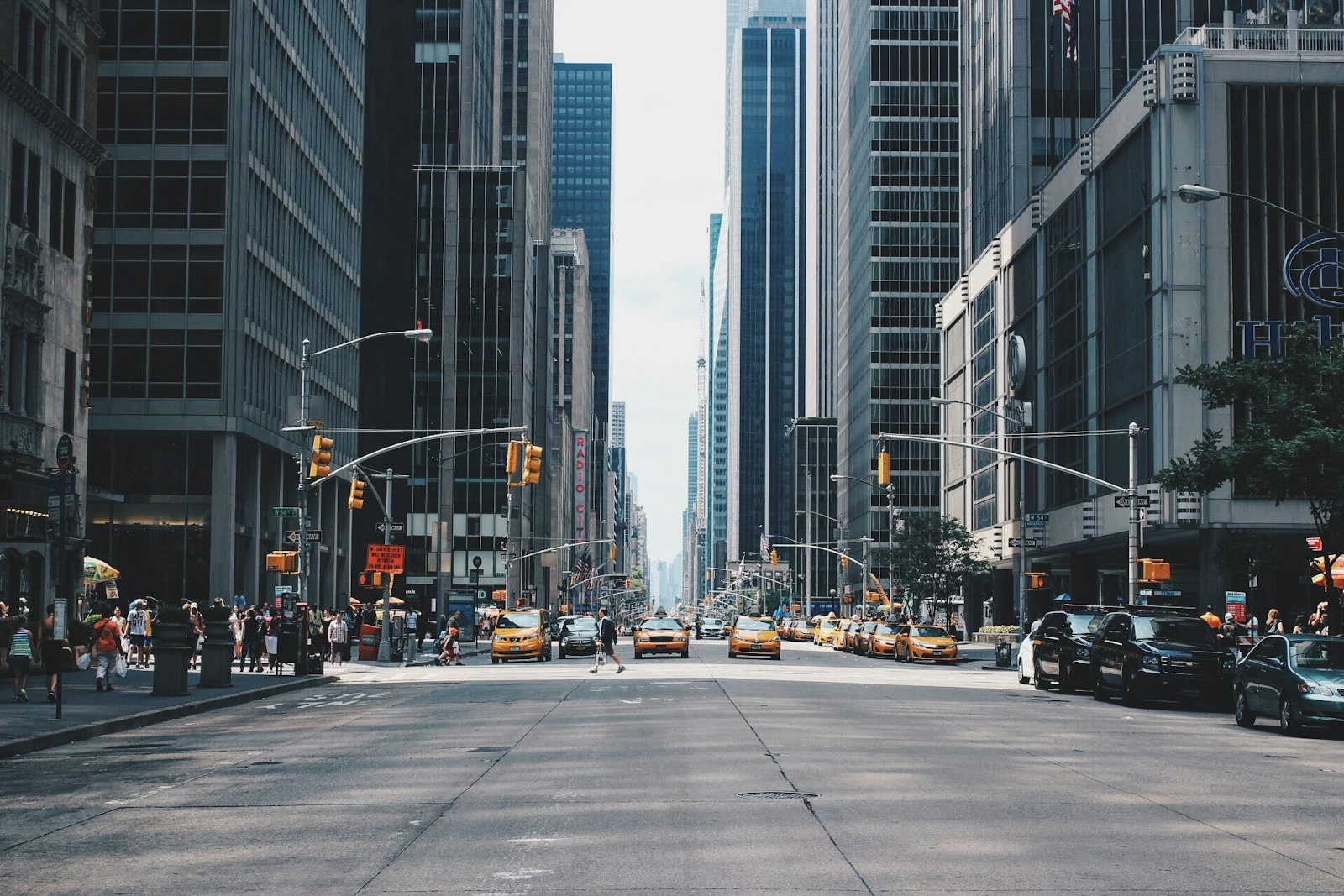
Outdoor street sounds for ambient audio collection
Street
Person recording a vocal audio sample
Vocal
Everyday home sounds recorded on a phone
Home
Crowd and event ambience for audio datasets
Events
Transport and traffic audio being recorded
Transit

190+

Countries

13,487

Tasks completed

12,000+

Registered workers

~4 Hours

Avg time to results

How It Works

How Audio Data Collection Works

Launch a sound recording task yourself and start receiving audio from real contributors, without long negotiations.

Person at a laptop writing sound recording task instructions
01 · Create

Describe the sounds you need

Explain what to record, where, for how long and how close to the source. Add a sample file so workers hear what a good recording sounds like.

  • Sounds, places or events
  • Sample audio for reference
  • Clear length and distance rules
Laptop with a world map on screen for country targeting
02 · Target

Choose countries and recording count

Select the countries your contributors should come from, set how many files each person sends and how many submissions you need in total.

  • Any number of countries in one task
  • Several files per submission
  • You set the total volume
Person recording sound with a phone outdoors near traffic or appliances
03 · Record

Contributors record on their own phones

Your task becomes available to workers in the selected countries. They record the sounds around them in homes, streets, shops and vehicles.

  • Different phones and microphones
  • Real acoustic environments
  • New people in every submission
Person with headphones listening to recordings at a computer
04 · Review

Approve only the recordings that fit

Listen to every submission, approve the audio that meets your requirements and reject the rest. Keep your dataset clean from the start.

  • Listen to every file
  • Approve or reject each submission
  • Clean data for training
Audio Data Types

Types of Audio Data You Can Collect

Set up a task for the exact sounds your model needs to recognize. Contributors follow your instructions and record on their own phones.

Environmental Sounds

The sound of real places

Contributors record parks, streets, markets, stations and other places as they really sound. Train models to recognize where a recording was made.

  • Indoor and outdoor scenes
  • Local environments by country
  • Different times of day
Create an audio task
Busy city street or park representing environmental soundscapes
Home Sounds

Everyday sounds from real homes

Collect recordings of washing machines, kettles, doorbells, faucets and other household sounds. Useful for smart home devices and assistants.

  • Appliances and devices
  • Real kitchens and rooms
  • Different brands and models
Create an audio task
Kitchen with household appliances for home sound recording
Background Noise

Noise your model has to work through

Get recordings of traffic, crowds, wind, fans and office hum. Use them to make speech and audio models robust in noisy conditions.

  • Traffic, crowds and wind
  • Steady and changing noise
  • Mix with your own data
Create an audio task
Crowd or traffic scene representing background noise
Sound Events

Short sounds that need a reaction

Contributors record door knocks, footsteps, alarms, phone rings and other short events. Train detection models for security and smart devices.

  • Your own list of events
  • Many repetitions per sound
  • Safe, everyday sources only
Create an audio task
Door or alarm representing short everyday sound events
Vocal Sounds

Coughs, laughs and other human sounds

Collect laughing, coughing, sighing, clapping and other sounds people make without words. Used for audio event detection and wellbeing apps.

  • Many people, many voices
  • Short repeatable clips
  • Natural, unscripted sounds
Create an audio task
Person laughing or coughing into a hand for non-speech vocal sounds
Transport Sounds

Cars, buses and trains from the inside

Passengers record the sound inside cars, buses, trains and metro. Train in-car assistants and models that need to work on the move.

  • Recorded by passengers only
  • Engines, roads and announcements
  • Different vehicles by country
Create an audio task
Passenger view inside a bus or train for transport sound recording
Task Example

Recordings With Labels
in One Task

Ask contributors to name the sound and the place in every submission. You get audio with context, ready for labeling or training.

Your setup

What you set up

Task settings

Choose Audio collection, set how many files each worker sends and write instructions with what to record and what to describe.

  • Audio collection task type
  • Number of files per submission
  • Instructions with a sample file

Your view

What you receive

Submission

Each submission arrives with the audio files and the worker's description of the sound and location, ready to review and approve.

  • Audio and labels in one submission
  • Worker country on every submission
  • Approve or reject each set
Targeting

Target the Right Contributors

Choose where your sounds come from and tell contributors exactly what to record. Every submission comes from a different person.

Countries and regions

Accept workers from all countries or pick specific ones by continent or individually. Capture how streets, homes and transport sound in each market.

Contributor requirements

Describe who should record in your instructions, such as location type, phone model or living situation. Reject submissions that do not match.

Sample recordings

Upload a reference file that shows the length, distance and quality you expect, so contributors get it right the first time.

One contributor, one submission

Each worker can complete your task only once. Set the number of submissions you need and get recordings from that many different places and devices.

Quality Control

Quality Control You Stay in Charge Of

You decide what counts as a good recording and review every submission before it joins your dataset.

Person writing notes at a laptop to define audio task requirements

Clear instructions

Describe the sound, length, distance and what must not be heard, such as music or conversations.

Audio waveform on a screen showing a sample recording

Sample files

Share an example recording so contributors know exactly what you expect.

Person with headphones reviewing audio recordings on a laptop

Approve or reject

Listen to each submission and accept only audio that meets your requirements.

Second person checking audio recordings with headphones

Second review

Launch a separate task where other workers listen to recordings and check the labels for you.

Transparency

Collected With Consent

Every recording comes from a real person who chose to take your task and knew what it was for.

Contributors know the purpose

Your task description explains what people will record and that the audio will be used to train AI.

Voluntary participation

Nobody is assigned to your task. Each worker decides to take it and uploads their recordings on their own.

Known source of every file

Each submission comes from a specific worker in the country you selected, recorded specifically for your task.

Pricing

Estimate Your Audio Data Collection Cost

You set the pay per task. Adjust the numbers to see what your project will cost, with the 15% platform fee included.

min

How long it takes a worker to complete one task.

$

Minimum pay is $0.10 per task. Need more recordings later? Extend the same task instead of creating a new one.

FAQ

Frequently Asked Questions

Audio data collection is gathering real-world sound recordings to train and test AI models that recognize sounds, environments and events. Good datasets include many places, devices and noise levels.

Audio data covers sounds without words: environments, appliances, noise and sound events. If you need people reading or talking, see our speech data collection page.

You set the pay for each task, starting from $0.10, plus a 15% platform fee. A campaign starts from $0.30, so you can run a small test before scaling.

You decide the length in your instructions. Sound events usually need a few seconds, ambient scenes from 30 seconds to a few minutes.

Yes. Ask contributors to name the sound, the place and the device in your instructions, and every submission will include both audio and text.

You can accept workers from all countries or choose specific continents and countries when you create the task.

Describe the format, length, distance from the source and conditions you need in your instructions. Add a sample file to show the result you expect.

State in your instructions that no conversations, music or TV may be heard. Reject any submission that breaks this rule.

Yes. Extend your existing task instead of creating a new one. Workers who already took part still cannot submit again.

If you need a special format, a review flow of your own or help with your instructions, contact us through the form below and we will set it up with you.

Contact

Planning a Large Audio Data Project?

Need high volume, rare sounds or help writing your task? Send a message and we will set it up with you.