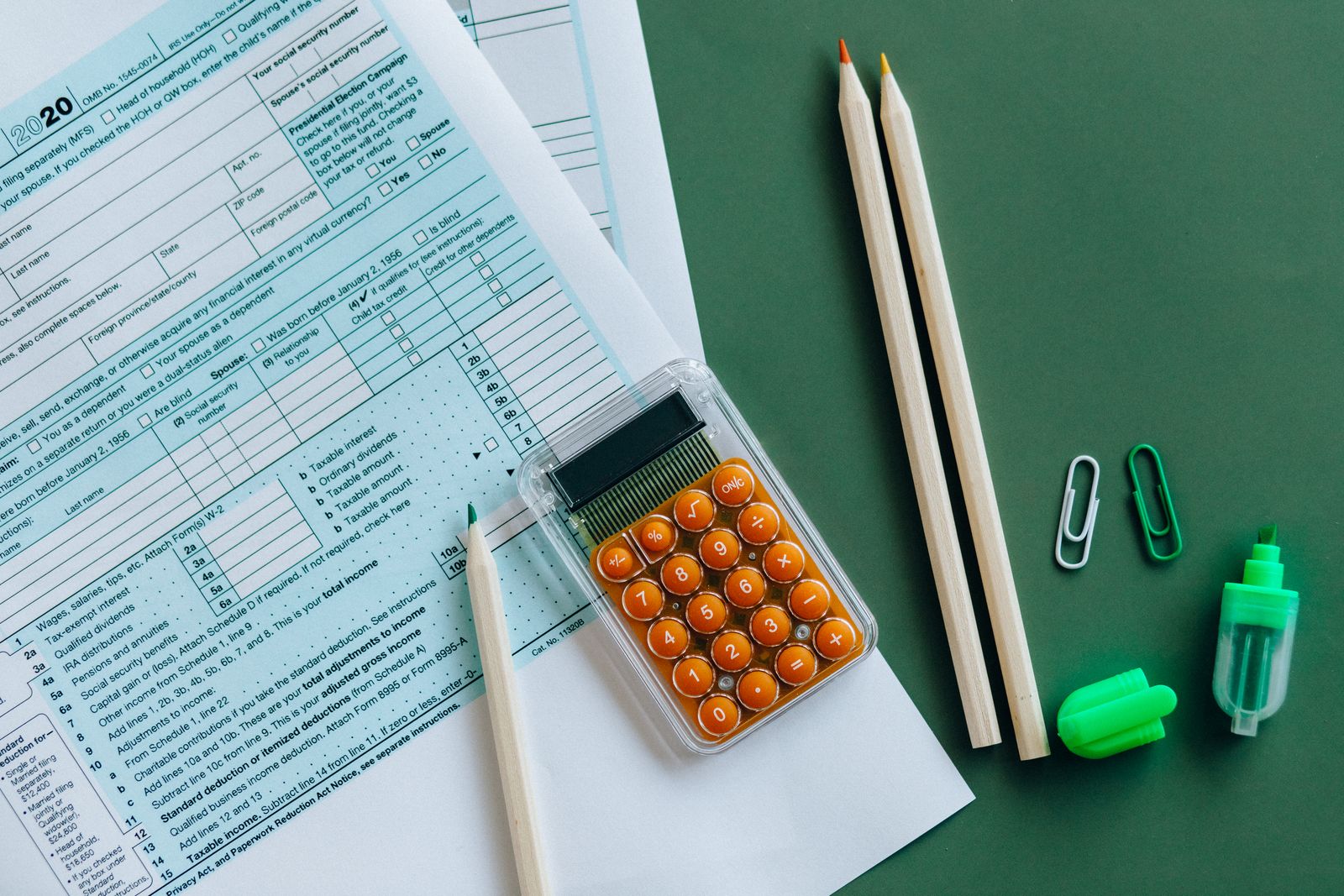
Typed transcription
THALI HOUSE
Veg Thali180
Masala Chai40
TOTAL220


Photos of receipts, forms, signs and labels from real phones — with the text typed out next to every image. Ground truth for OCR and document AI, in any language.
 Photo + transcriptionAny scriptReview every file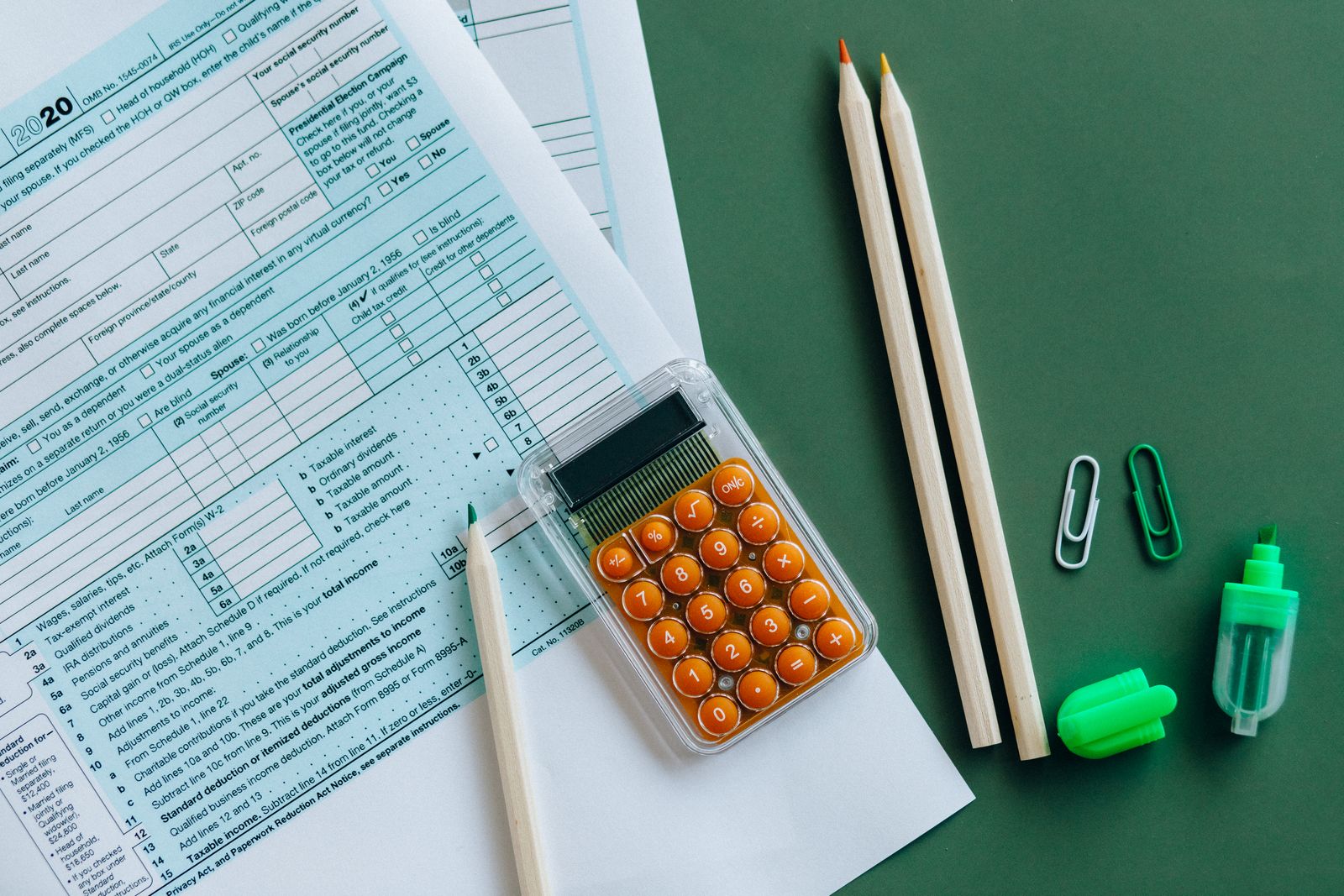
190+
Countries
13,487
Tasks completed
12,000+
Registered workers
~4 Hours
Avg time to results
Pick the type of text your OCR model needs to read. Contributors photograph real items around them, or fill in templates you provide.
Store and café receipts, crumpled, faded or folded.
Printed invoices and bills in many layouts.
Applications, checklists and tables, filled in by hand.
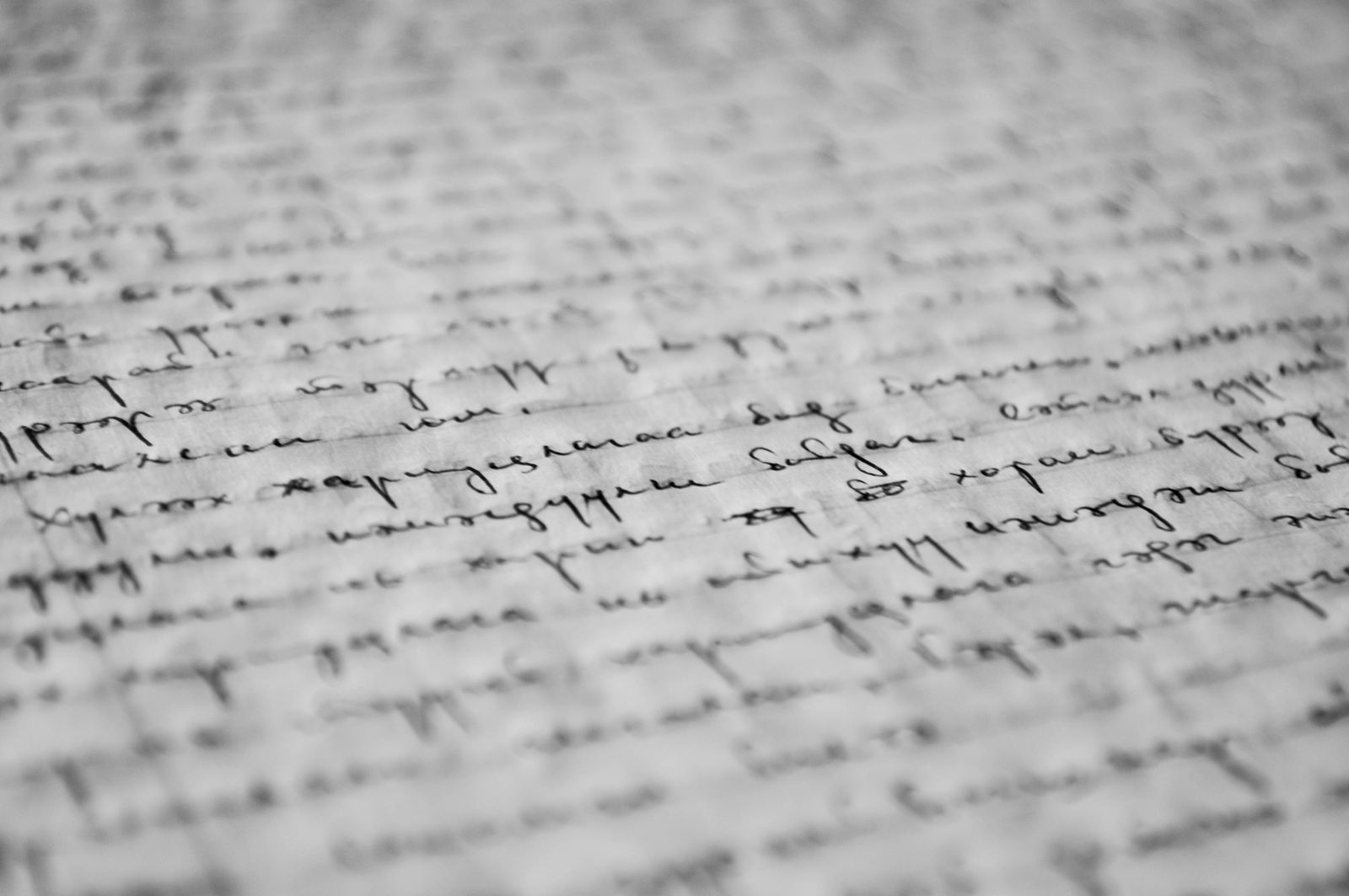
Notes, lists and letters in many handwriting styles.
Restaurant and café menus in local languages.
Ingredients, nutrition facts and packaging text.
Shelf labels and price tags in real stores.
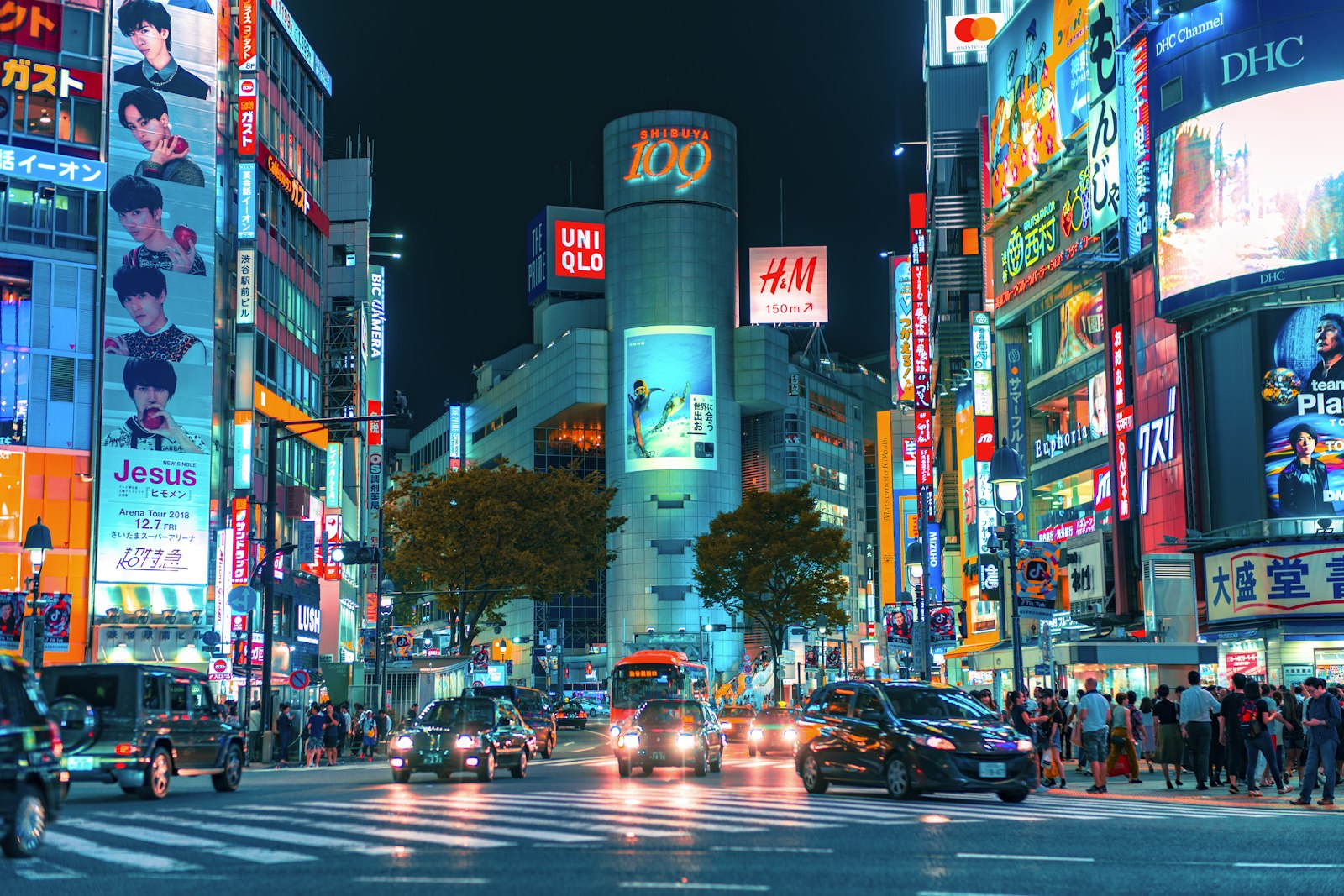
Road signs, shop names and public notices.
Printed pages with columns, tables and captions.
Handwritten text and diagrams on boards.
Photos of text on monitors, terminals and displays.
Your own blank forms, filled with fictional data.
Clean scans are easy. Your model needs to read text that is tilted, crumpled, shadowed or shot in bad light. Ask for exactly the conditions you need.
Photos taken at an angle, not straight from above.
Paper with creases, folds and torn edges.
Text shot in the evening, in dim rooms or under lamps.
Glossy paper, flash reflections and hand shadows.
Quick shots taken on the go.
Old and new phones, different cameras and resolutions.
Each contributor uploads the photo and types the text they see. You get image and transcription pairs ready for training and testing.
Choose Image collection, describe what to photograph and how to type the text: line by line, keeping numbers and symbols exactly as printed.
Contributors in the countries you choose photograph the item and type its text in the same submission.
Compare each photo with its text, approve accurate pairs and reject the rest. Launch a second task to double-check transcriptions if you need higher accuracy.
Choose countries where people read and write the scripts your model must support. Native writers type the text correctly, including local characters and symbols.
Documents often contain names, addresses and card numbers. Set clear rules in every task so your dataset stays clean.
 Ask contributors to cover or blur names, addresses, phone and card numbers before taking the photo.Ask for their own receipts and documents only, never other people's.Reject any submission that shows personal data you did not ask for.Do not request ID cards, passports or bank documents.
Read totals, items and dates from real receipts.
Extract fields from printed business documents.
Turn handwritten forms into structured data.
Read menus, signs and labels through the phone camera.
Read shelf labels and price tags in stores.
Teach models to read many styles of handwriting.
You set the pay per task. Typing out long text takes more time, so set a higher rate for long documents. The 15% platform fee is included in the total.
How long it takes a worker to complete one task.
Minimum pay is $0.10 per task. Need more documents later? Extend the same task instead of creating a new one.
OCR training data is images of text paired with the exact text they contain. Models learn to read printed and handwritten text from these pairs. Real photos taken on phones help models work in everyday conditions.
Yes. Ask workers to type the text line by line in the same submission, keeping numbers, prices and symbols exactly as printed. You get image and transcription pairs.
You review every submission and approve only accurate pairs. For higher accuracy, launch a second task where other workers compare each photo with its text and mark mistakes.
Any language and script used by workers in the countries you select, including Latin, Cyrillic, Arabic, Devanagari, Chinese, Thai and many others.
Ask contributors to cover names, addresses and card numbers, and to photograph only their own documents. Do not request ID cards or bank documents. Template forms filled with fictional data are the safest option.
Yes. Upload blank templates as reference files and ask workers to print or copy them, fill them in by hand with fictional data and photograph the result.
You decide. Set the number of files per submission, for example five different receipts. Each worker can complete your task only once.
You set the pay for each task, starting from $0.10, plus a 15% platform fee. Long documents with full transcription need a higher pay rate than single photos. A campaign starts from $0.30.
Yes. Extend your existing task instead of creating a new one. Workers who already took part still cannot submit again.
If you need special document types, a review flow of your own or help writing transcription rules, contact us through the form below and we will set it up with you.
Tell us about your document types, languages and volume. We will help you write capture and transcription rules.
Custom document typesTranscription rulesTemplate forms with fictional data