
Image Data for AI

Image Data Collection
for AI Training

Get photos taken by real people on real phones in the countries you choose. Describe what to shoot, set the pay and approve only the images that fit.

Real phones, real conditionsAny countryReview every photo

190+

Countries

13,487

Tasks completed

12,000+

Registered workers

~4 Hours

Avg time to results

How It Works

How Image Data Collection Works

Launch a photo task yourself and start receiving images from real contributors, without long negotiations.

Person at a laptop writing photo task instructions
01 · Create

Describe what people should photograph

Explain the subject, angle, lighting and background you need. Add example photos so workers see what a good result looks like.

  • Objects, documents, places or scenes
  • Example photos for reference
  • Your own rules and restrictions
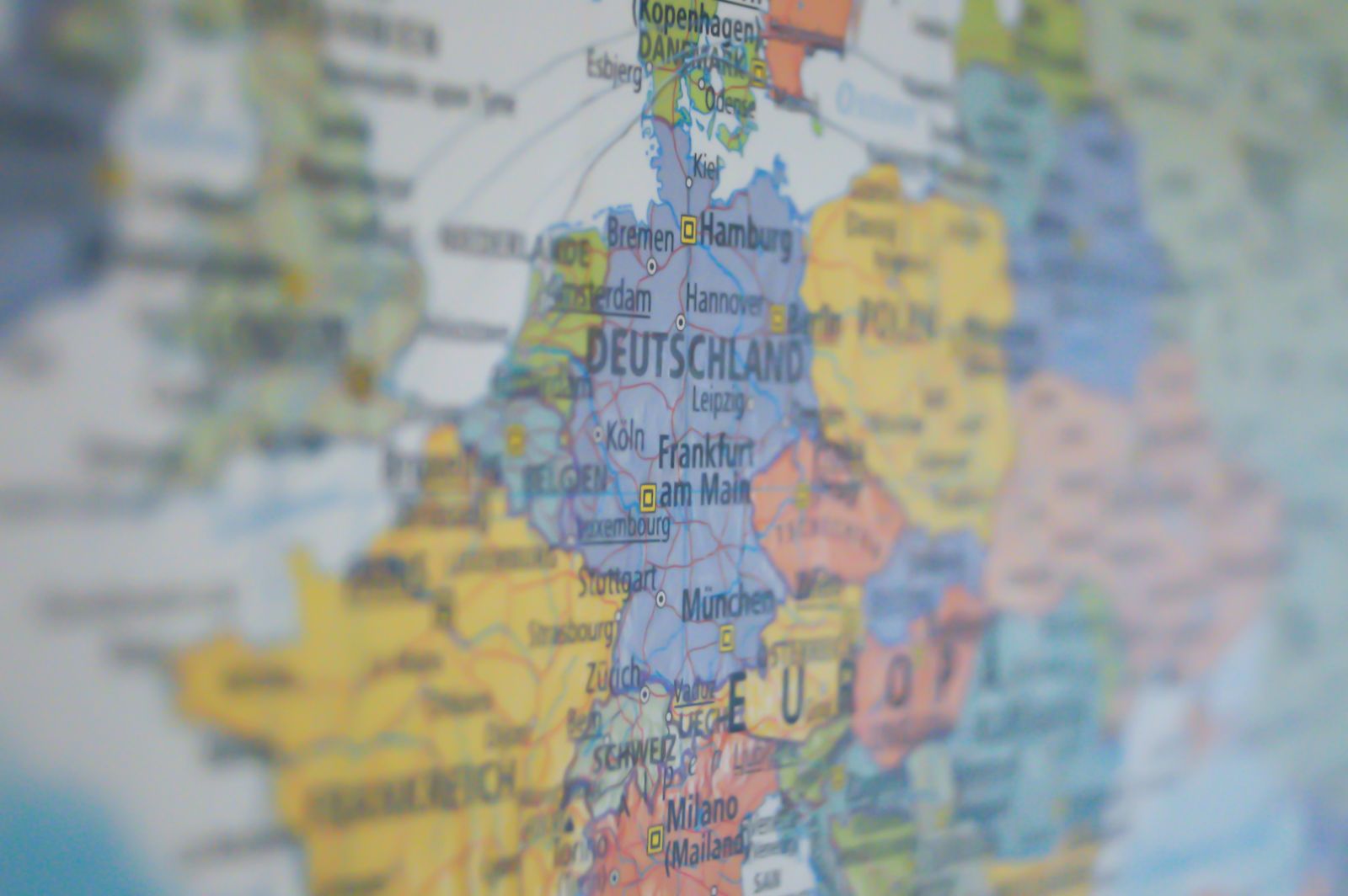
Laptop with a world map on screen for country targeting
02 · Target

Choose countries and photo count

Select the countries your contributors should come from, set how many photos each person sends and how many submissions you need in total.

  • Any number of countries in one task
  • Several photos per submission
  • You set the total volume
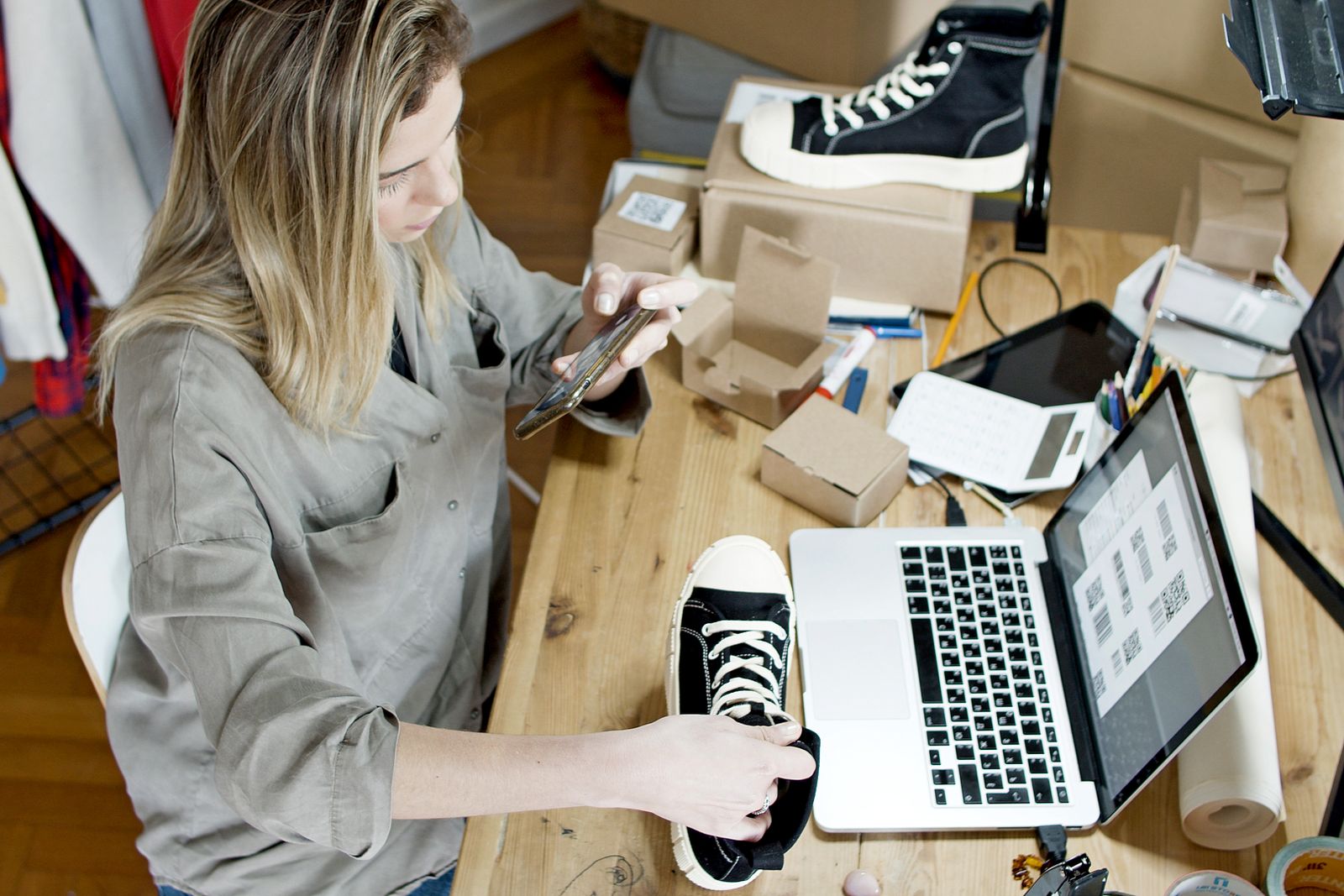
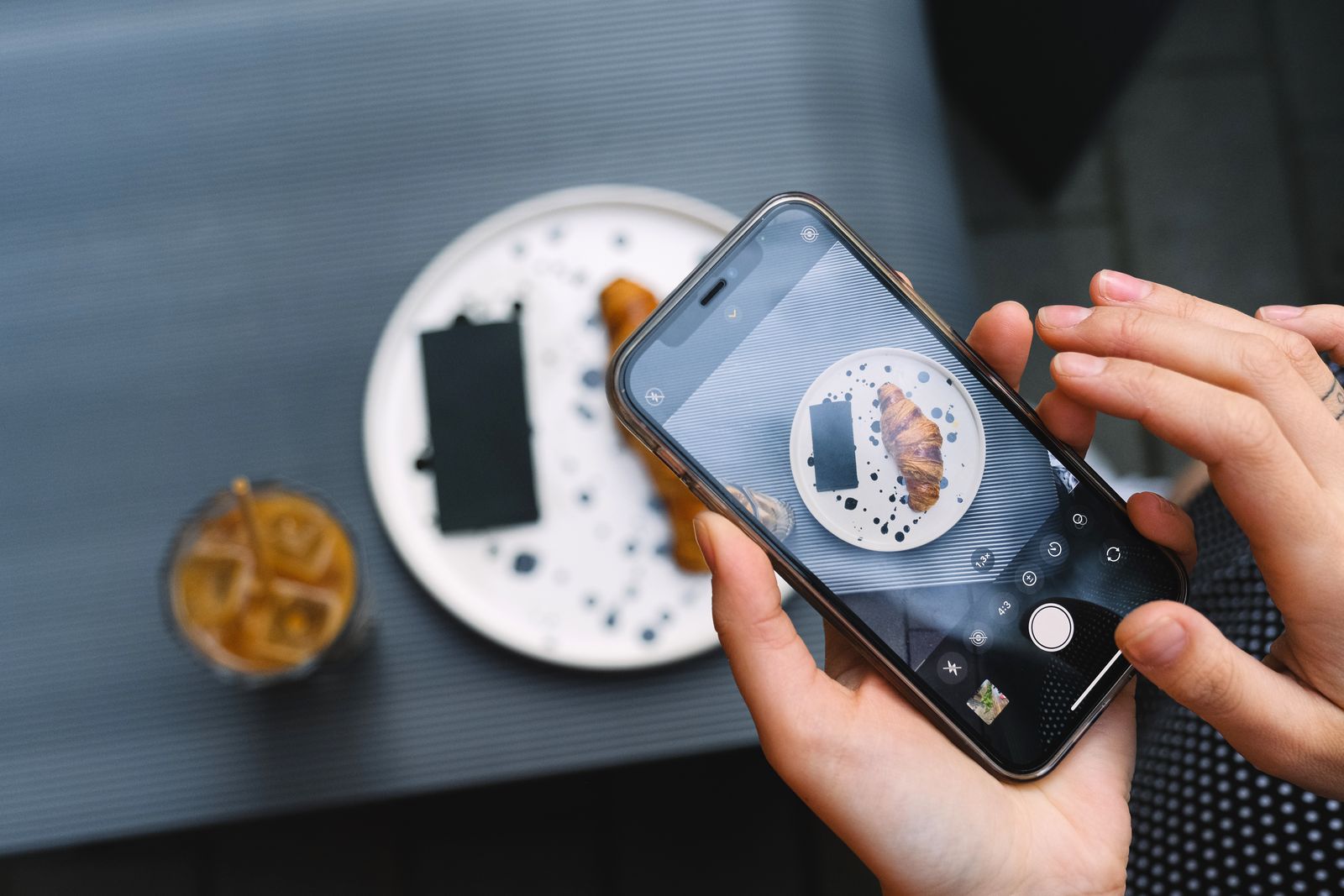
Person taking a photo of a product with a smartphone
03 · Shoot

Contributors take photos on their own phones

Your task becomes available to workers in the selected countries. They photograph real objects and places around them and upload the images.

  • Different phones and cameras
  • Real homes, streets and shops
  • New people in every submission
Person reviewing a grid of photos on a monitor
04 · Review

Approve only the images that fit

Check every submission, approve the photos that meet your requirements and reject the rest. Keep your dataset clean from the start.

  • Review every photo
  • Approve or reject each submission
  • Clean data for training
Image Data Types

Types of Image Data You Can Collect

Set up a task for the exact photos your computer vision model needs. Contributors follow your instructions and shoot on their own phones.

Objects and Products

Everyday items from many angles

Contributors photograph products, packaging, tools or household items at home or in stores. Ask for several angles and backgrounds to make your model robust.

  • Multiple angles per object
  • Different backgrounds and lighting
  • Real products, not studio shots
Create an image task
Product photographed on a table with a smartphone nearby
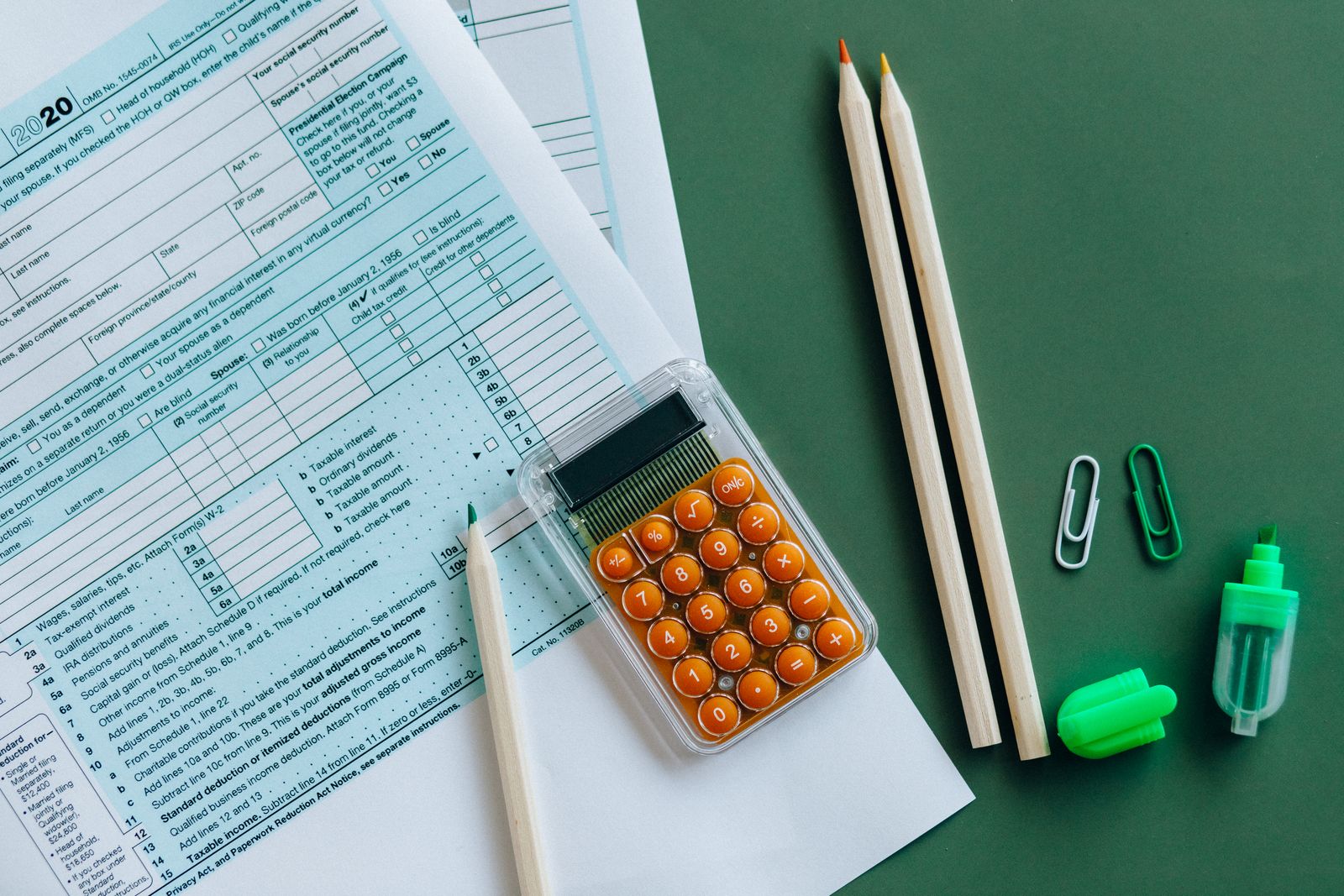
Documents and Receipts

Real documents for OCR and parsing

Collect photos of receipts, forms, labels and printed pages as people actually capture them: tilted, folded or in poor light.

  • Real-world capture quality
  • Many layouts and languages
  • Ask workers to hide personal data
Create an image task
Printed tax form and calculator on a desk, example of document photos for OCR
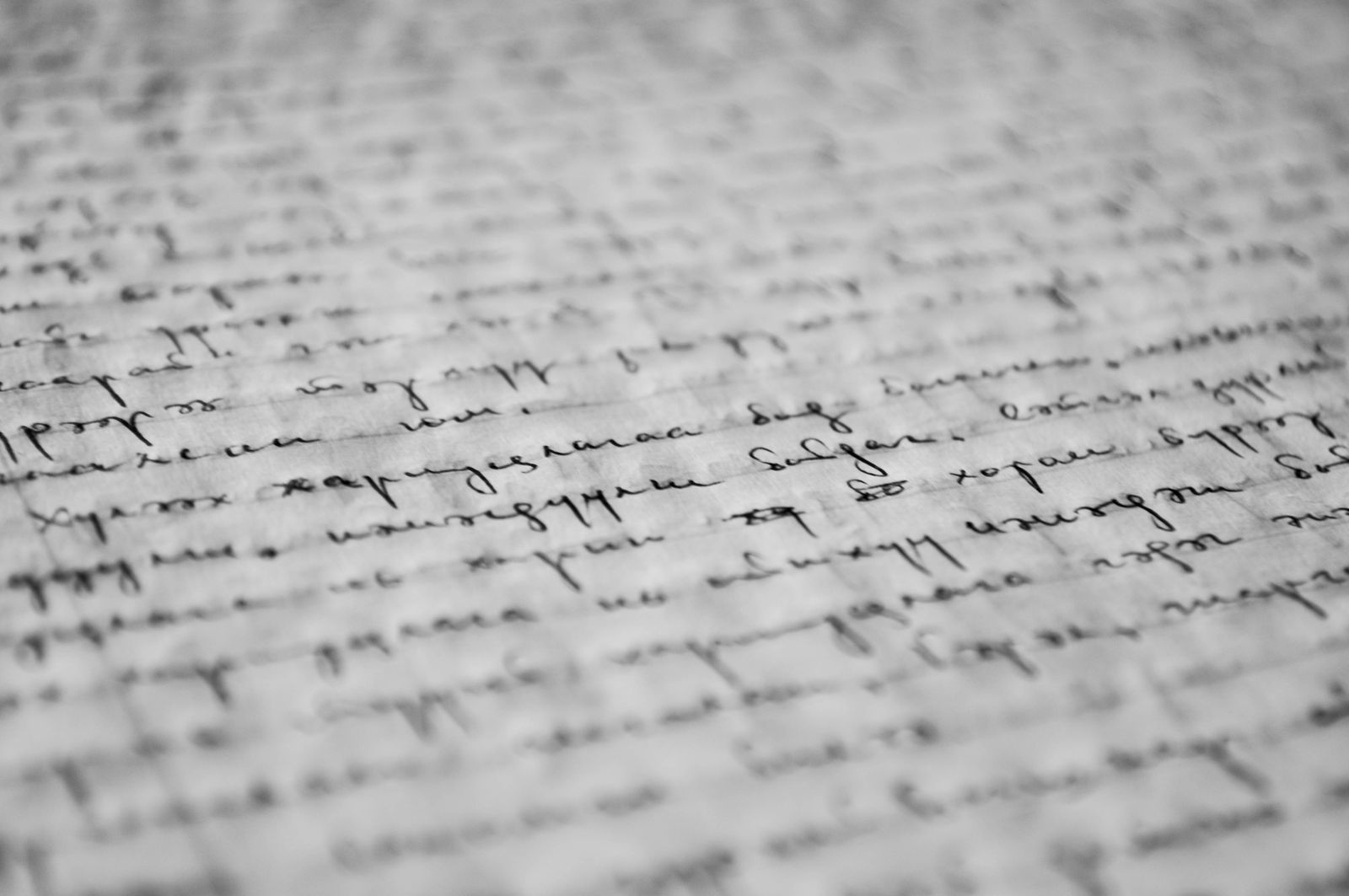
Handwriting

Handwritten text from thousands of people

Contributors write words, numbers or sentences you provide on paper and photograph them. Every person has a different hand, pen and paper.

  • Your own words and numbers
  • Different writing styles
  • Known text for easy labeling
Create an image task
Handwritten note on paper photographed for a dataset
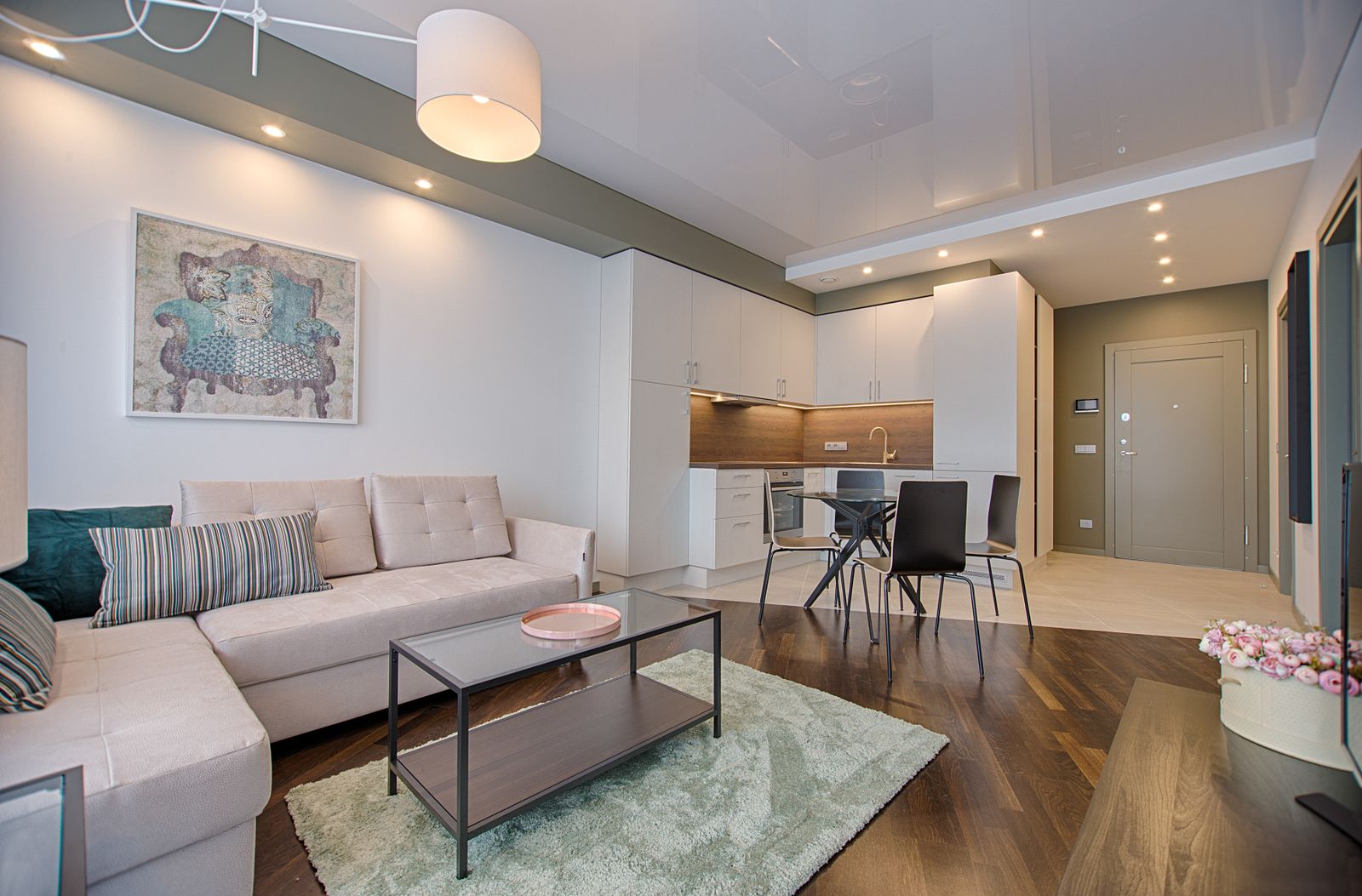
Scenes and Places

Streets, rooms and public spaces

Get photos of kitchens, offices, shops, streets and roads from the countries you choose. Useful for scene recognition, robotics and navigation.

  • Indoor and outdoor scenes
  • Local environments by country
  • Day and night conditions
Create an image task
Kitchen or street scene photographed for scene recognition
Text in the Wild

Signs, menus and labels around the world

Contributors photograph street signs, shop names, menus and price tags in their own cities and languages. Train models to read text in real environments.

  • Local languages and scripts
  • Real signs, not mockups
  • Varied fonts and surfaces
Create an image task
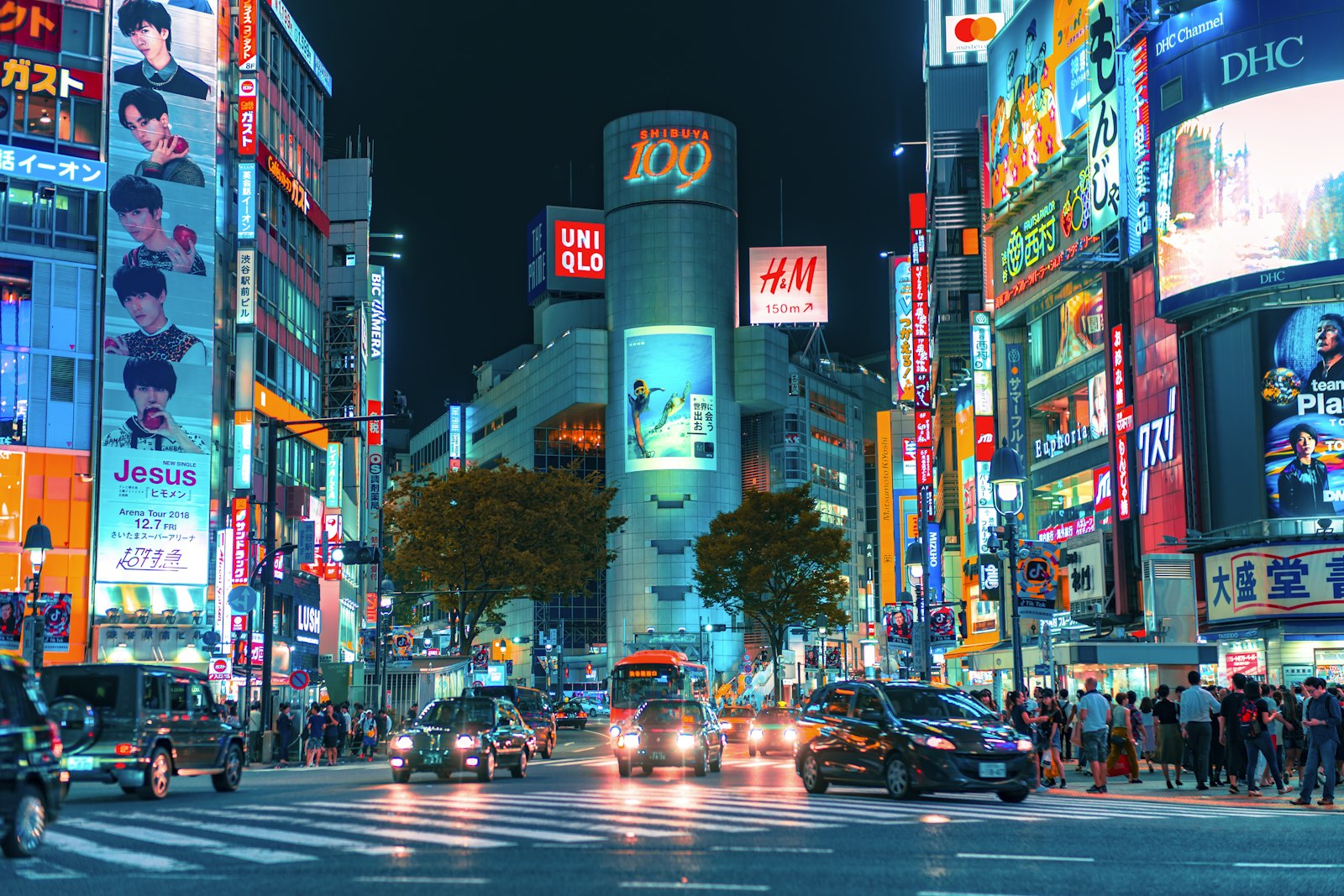
Night street with neon shop signs and billboards for text-in-the-wild OCR
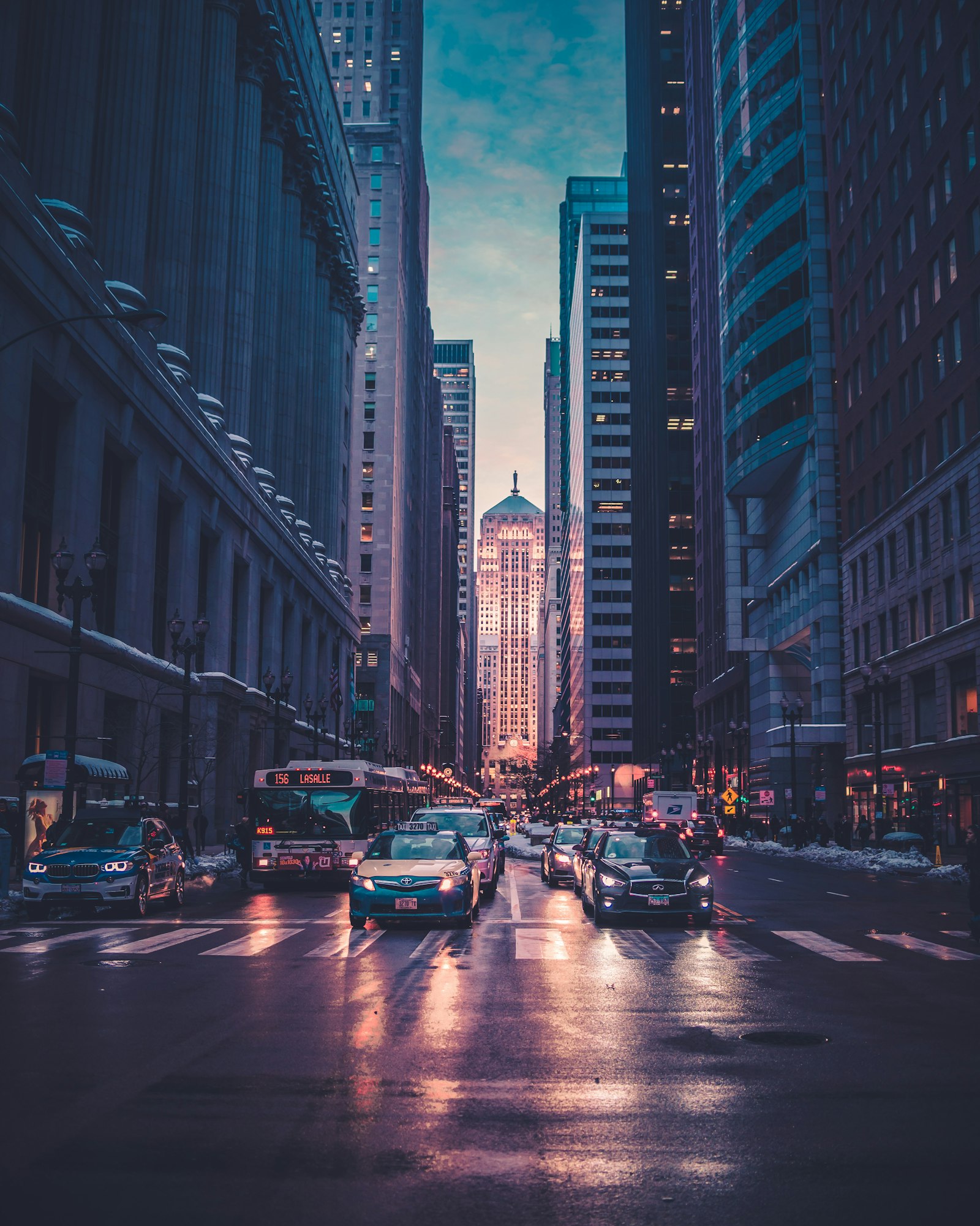
Varied Conditions

The same subject in different conditions

Ask for photos in low light, with glare, motion blur or unusual angles. Help your model work where real users take their pictures.

  • Low light and backlight
  • Different phones and lenses
  • Hard cases your model needs
Create an image task
Wet city street at dusk with headlights and mixed lighting conditions
Task Example

Photos With Descriptions
in One Task

Ask contributors to add a short description or labels to every photo. You get images with context, ready for labeling or training.

Your setup

What you set up

Task settings

Choose Image collection, set how many photos each worker sends and write instructions with what to shoot and what to describe.

  • Image collection task type
  • Number of photos per submission
  • Instructions with examples

Your view

What you receive

Submission

Each submission arrives with the photos and the worker's description, ready to review and approve.

  • Photos and text in one submission
  • Worker country on every submission
  • Approve or reject each set
Targeting

Target the Right Contributors

Choose where your photos come from and tell contributors exactly what to shoot. Every submission comes from a different person.

Countries and regions

Accept workers from all countries or pick specific ones by continent or individually. Get local products, streets and environments from each market.

Contributor requirements

Describe who should take the photos in your instructions, such as phone type, location or age group. Reject submissions that do not match.

Example photos

Upload reference images that show the angle, framing and quality you expect, so contributors get it right the first time.

One contributor, one submission

Each worker can complete your task only once. Set the number of submissions you need and get photos from that many different people.

Quality Control

Quality Control You Stay in Charge Of

You decide what counts as a good photo and review every submission before it joins your dataset.

Person writing notes at a laptop to define photo requirements

Clear instructions

Describe the subject, framing, lighting and what must not appear in the photo.

Example photos displayed on a screen for reference

Example images

Show good and bad examples so contributors know exactly what you expect.

Person reviewing photos on a laptop to approve or reject them

Approve or reject

Check each submission and accept only photos that meet your requirements.

Second person checking images on a laptop at home

Second review

Launch a separate task where other workers check photos and descriptions for you.

Transparency

Collected With Consent

Every photo comes from a real person who chose to take your task and knew what it was for.

Contributors know the purpose

Your task description explains what people will photograph and that the images will be used to train AI.

Voluntary participation

Nobody is assigned to your task. Each worker decides to take it and uploads their photos on their own.

Known source of every photo

Each submission comes from a specific worker in the country you selected, taken specifically for your task.

Pricing

Estimate Your Image Data Collection Cost

You set the pay per task. Adjust the numbers to see what your project will cost, with the 15% platform fee included.

min

How long it takes a worker to complete one task.

$

Minimum pay is $0.10 per task. Need more photos later? Extend the same task instead of creating a new one.

FAQ

Frequently Asked Questions

Image data collection is gathering photos from real people to train and test computer vision models. Good datasets include many devices, places, lighting conditions and angles, so the model works for real users.

You set the pay for each task, starting from $0.10, plus a 15% platform fee. A campaign starts from $0.30, so you can run a small test before scaling.

You decide. Set the number of files per submission, for example 10 photos of one object from different angles. Each worker can complete your task only once.

Yes. Ask contributors in your instructions to describe each photo or name what is on it, and every submission will include both images and text.

You can accept workers from all countries or choose specific continents and countries when you create the task.

Describe the resolution, orientation, framing and conditions you need in your instructions. Add example photos to show the result you expect.

State in your instructions what must not appear, such as faces, names or card numbers. Reject any submission that does not follow these rules.

You review every submission yourself and approve or reject it. For larger projects, you can launch a separate task where other workers verify the photos.

Yes. Extend your existing task instead of creating a new one. Workers who already took part still cannot submit again.

If you need a different file type, a special review flow or help with your instructions, contact us through the form below and we will set it up with you.

Contact

Planning a Large Image Data Project?

Need high volume, a custom setup or help writing your task? Send a message and we will set it up with you.