Hire Onboarding Testers

Hire New Users
to Test Your Onboarding

Post an onboarding test and people who have never seen your product go through sign-up and the first steps on their own devices. They tell you where they slowed down or wanted to quit.

First-time users onlyYou set the pay per testerPay only for approved sessions

200+

Countries

195,000+

Workers available

13,487

Tasks posted

~4 Hours

Average time to first results

How It Works

How to Hire Onboarding Testers

Post an onboarding test yourself and watch real first-time users go from sign-up to the first key action.

Person planning a sign-up flow in a notebook
01 · Post

Describe the flow to test

Add a link to your product and list the steps from sign-up to the first key action, such as creating a project or placing an order.

  • Product or app store link
  • Steps from sign-up to first action
  • A question after every step
Group of young people with phones and laptops
02 · Hire

Hire people who are new to your product

Select the countries, the number of testers and the pay. Ask for people who have never used your product and want to sign up with a fresh email.

  • First-time users only
  • Any number of countries in one task
  • You set the pay per tester
Woman signing up for an app on her smartphone
03 · Sign Up

New users go through your flow

Each tester creates an account, records the session and rates every step. They write what they expected and where they wanted to stop.

  • Fresh account for every tester
  • Screen recording of the flow
  • Rating for every step
Product manager reviewing results on a laptop
04 · Review

Find the step where people drop off

Watch the recordings, compare the step ratings and approve useful sessions. You pay only for what you approve.

  • See the drop-off step
  • Approve or reject each session
  • Pay only for approved work
What You Can Test

Every Step of Your Onboarding

Point testers at the part of the flow you want to improve, or ask them to go through the whole journey.

Sign-up

See how long the sign-up really takes

Testers fill in your form for the first time. See which fields, password rules or error messages slow them down.

  • Field labels and password rules
  • Error messages
  • Time to finish the form
Hire onboarding testers
Person filling in a sign-up form on a laptop
Verification

Check that confirmation really arrives

Find out if confirmation emails and codes arrive, land in spam or have a link that works on every device.

  • Email and SMS codes
  • Spam folder checks
  • Time until the message arrives
Hire onboarding testers
Smartphone showing a verification code message
Social Login

Make sure one-tap sign-in works

Testers sign in with Google, Apple or other accounts on their own devices and tell you if the flow completes.

  • Google, Apple and other accounts
  • Real devices and browsers
  • Where the flow breaks
Hire onboarding testers
Person signing in to an app on a phone
Permissions

Learn how people react to permission requests

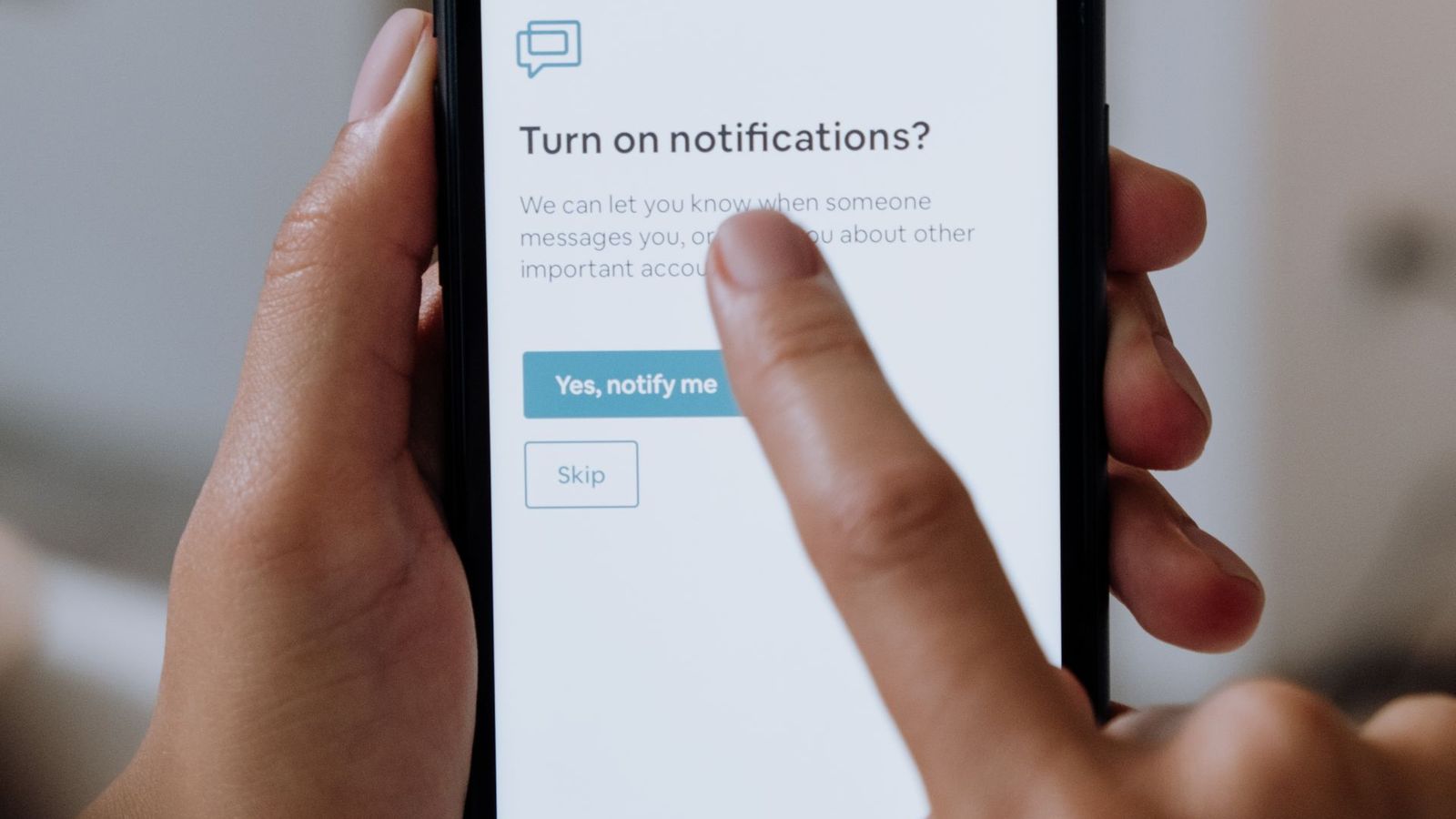
See whether new users allow notifications, location, camera or contacts, and what makes them say no.

  • Notifications and location
  • Camera and contacts
  • Why people refuse
Hire onboarding testers
Smartphone with app notification settings
Welcome Tour

Find out if your tour helps or gets skipped

Testers go through your tutorial and tell you whether they understood the main features or skipped it.

  • Tutorials and tooltips
  • Skipped or completed
  • What people still do not understand
Hire onboarding testers
Woman exploring a new app on a tablet
First Action

Can a new user reach the first value?

Ask testers to complete the first key task, like creating a project or placing an order, and see how long it takes.

  • First project, order or message
  • Time to first value
  • Where people get stuck
Hire onboarding testers
Happy user completing a task on a laptop
Task Example

What an Onboarding Test
Task Looks Like

Every tester follows the same steps with a fresh account, so you can compare the ratings step by step.

Your setup

What testers do

Scenario

Open the app and create a new account with a fresh email. Confirm the email, complete the welcome steps and create your first project.

  • Sign up with a fresh email
  • Confirm the email and finish the welcome steps
  • Rate each step from 1 to 5

Your view

What you receive

Submission

Each submission shows the whole journey from sign-up to the first action, ready to review and approve.

  • Screen recording from sign-up to first action
  • Completed or stopped, and at which step
  • Device, OS and country
Targeting

Hire Real First-Time Users

Choose where your testers come from and make sure every one of them sees your product for the first time.

Countries and regions

Accept testers from all countries or pick specific ones. Test onboarding in the markets where you want to grow.

New users only

Ask for people who have never used your product. Reject sessions from people who already had an account.

Devices you need

Describe the phones, tablets or computers testers should use, and ask them to name their device in the report.

One tester, one account

Each worker can take your test only once, so every session is a true first-time experience.

Quality Control

Quality Control You Stay in Charge Of

You decide what a good session looks like and review every recording before you pay.

Laptop with a test environment on screen

Safe test setup

Let testers sign up without real payments or sensitive personal data.

Person giving feedback on a phone

Rate every step

A 1–5 rating after each step shows exactly where the flow gets harder.

Man reviewing a recording on his laptop

Approve or reject

Approve only sessions where testers show the full flow on screen.

Team comparing results on a screen

Test again after changes

Run the same test after each update and compare the ratings.

Transparency

Real People, Real First Impressions

Every session comes from a real person who chose to take your test and signed up for the first time.

Testers know the task

Your instructions explain what to do and what to record. Workers read them before they accept.

Voluntary participation

Nobody is assigned to your test. Each worker decides to take it and signs up on their own device.

Known source of every session

Each submission comes from a specific worker in the country you selected, recorded for your test.

Pricing

How Much Does It Cost to Hire Onboarding Testers?

You set the pay per tester. Longer onboarding flows with screen recordings need a higher rate. The 15% platform fee is included.

?
?
min
?
$

No subscription. Start with a $20 deposit and pay only for sessions you approve.

Strategic Partnerships

Open to partnerships, investment and acquisition

Hire onboarding testers on RapidWorkers — or talk with us about larger studies, custom recruiting and closer collaboration around activation and growth.

  • First-time users for sign-up, verification and welcome flows.
  • Target by country and device, with review before every payout.
  • Scale from 10 testers to studies across 200+ countries.
  • Confidential talks on integrations, joint ventures, investment and acquisitions.
Explore partnerships
Partners in conversation over laptops during a working meeting
FAQ

Frequently Asked Questions

It is testing your sign-up and first steps with people who have never used your product. It shows where new users get confused, slow down or leave.

On RapidWorkers. Post your onboarding test as a task, ask for first-time users, set the pay and countries, and workers complete it on their own devices. You pay only for the sessions you approve.

Usability testing can cover any part of a product. Onboarding testing focuses only on the first experience: sign-up, verification, welcome steps and the first key action.

Yes, they sign up like real new users. Use a test environment or test accounts if your product involves payments or sensitive data.

Testers can confirm whether emails arrive and links work. For SMS codes, consider test numbers or skipping the step, so testers do not have to share their phone numbers.

Each tester completes your task once with a fresh account, so every session shows a first-time experience.

Yes. Choose the countries you need and ask testers to use the app in their local language.

Ten to twenty testers usually show the main drop-off points. Use more if you compare versions or countries.

You set the pay per tester, plus a 15% platform fee. A typical 10–15 minute session needs a few dollars per tester.

First sessions often arrive within hours of launching your test.

Yes. Our team can write the scenario, recruit testers, review recordings and summarize where users drop off.