Hire Usability Testers

Hire People
for Usability Testing

Post a usability test and real people try your website, app or prototype on their own devices. They record their screen, tell you where they got stuck, and you pay only for the sessions you approve.

Screen recordings with voiceYou set the pay per testerPay only for approved sessions

200+

Countries

195,000+

Workers available

13,487

Tasks posted

~4 Hours

Average time to first results

How It Works

How to Hire Usability Testers

Post a usability test yourself and get screen recordings from real people within hours, without a recruiting agency.

Person writing a test plan in a notebook next to a laptop
01 · Post

Describe the tasks to test

Add a link to your website, app or prototype and write 2–5 tasks testers should complete. Add the questions they should answer at the end.

  • Website, app or prototype link
  • 2–5 tasks in plain words
  • Your own follow-up questions
Group of people from different countries working on laptops
02 · Hire

Choose who you hire

Select the countries, the number of testers and the pay per tester. Describe the devices, age or experience you need in your instructions.

  • Any number of countries in one task
  • Tester requirements in your instructions
  • You set the pay per tester
Woman trying a website on her laptop at home
03 · Test

Testers complete the tasks on their own devices

Your test becomes available to workers in the selected countries. They record their screen, think out loud and answer your questions.

  • Real phones and computers
  • Screen recording with voice
  • Answers to every question
Man reviewing a screen recording on his laptop
04 · Review

Approve the sessions that help

Watch every recording, read the answers and reject sessions that do not follow your instructions. You pay only for what you approve.

  • Watch every session
  • Approve or reject each one
  • Pay only for approved work
What You Can Test

Usability Tests You Can Post

Set up a task for exactly what you want to learn. Testers follow your scenario on their own devices and show you what happens.

Websites

See if visitors understand your website

Testers open your website for the first time and tell you what they think it offers, what is unclear and what they would do next.

  • First impression in the first seconds
  • Is the offer clear?
  • What stops people from the next step
Hire usability testers
Person browsing a website on a laptop
Mobile Apps

Test your app on real phones

Share a store, beta or web app link. Testers use your app on their own phones, with real screen sizes and real connections.

  • iPhone and Android devices
  • Real screen sizes and networks
  • Recording of the phone screen
Hire usability testers
Hands holding a smartphone with an app open
Prototypes

Test a design before you build it

Share a Figma or other prototype link. Find the confusing screens while changes are still cheap.

  • Figma and other prototype links
  • Clickable flows and single screens
  • Feedback before development starts
Hire usability testers
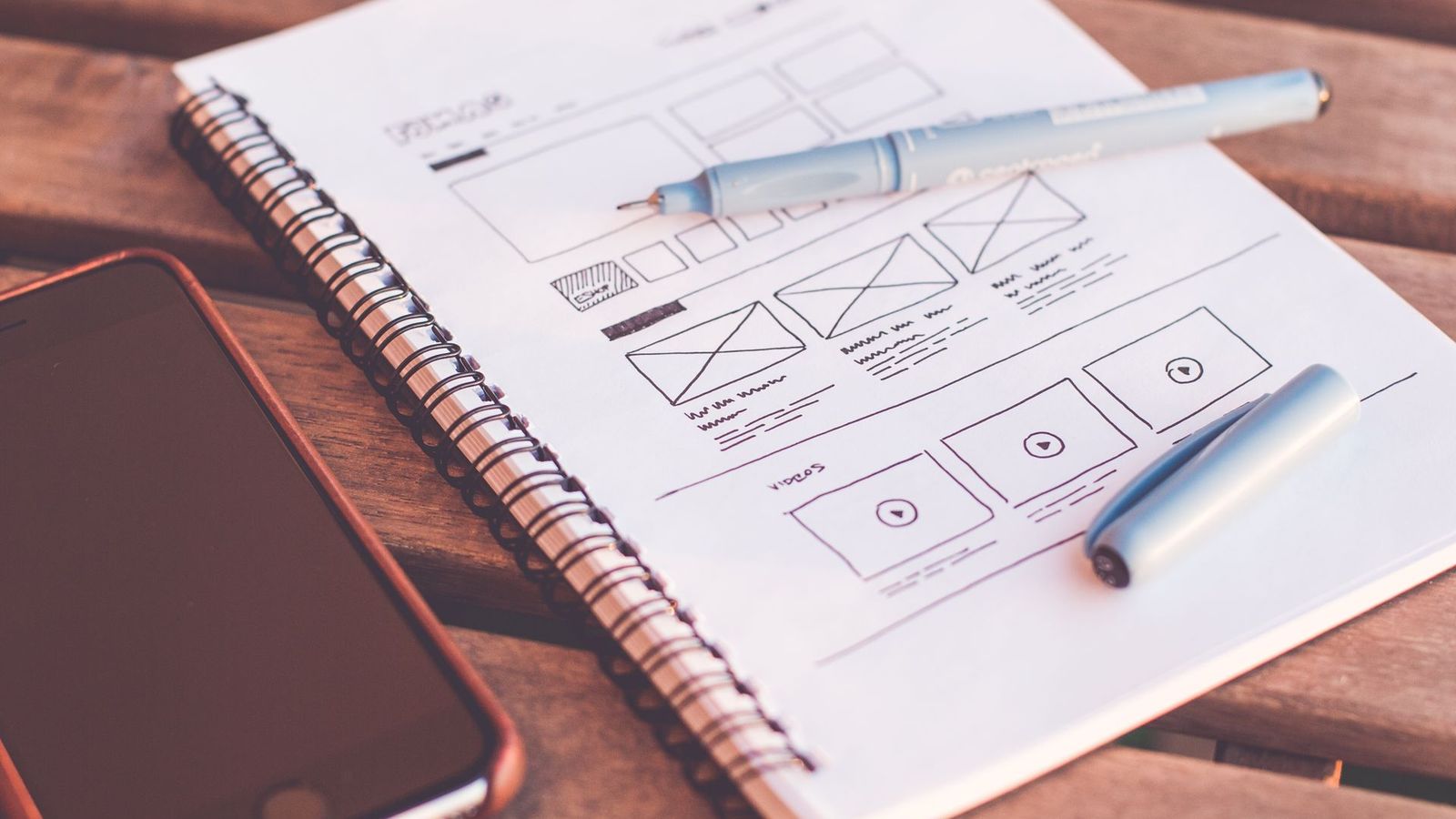
Designer working on app wireframes
Key Flows

Find the step where people give up

Ask testers to sign up or buy something and stop before payment. See the exact step where they hesitate or quit.

  • Sign-up, cart and checkout flows
  • Stop before real payment
  • The exact step where people quit
Hire usability testers
Person shopping online with a credit card and laptop
Navigation

Can people find what they need?

Give testers something to find: a product, a page or a setting. Watch how they search and where they get lost.

  • Menus, filters and search
  • Time to find each item
  • Where people get lost
Hire usability testers
Woman searching on a tablet
Comparisons

Find out which version works better

Show two versions of a page or screen and ask which one is easier to use and why.

  • Two versions side by side
  • Preference with a reason
  • Ratings you can compare
Hire usability testers
Two people comparing designs on a screen
Task Example

What a Usability Test
Task Looks Like

Write the scenario once. Every tester follows the same steps, so you can compare the results.

Your setup

What testers do

Scenario

Open the website and find running shoes under $80. Add them to the cart, go to checkout and stop before payment. Then answer two questions.

  • Find a product under $80
  • Go to checkout, stop before payment
  • Rate the ease from 1 to 5 and explain

Your view

What you receive

Submission

Each submission arrives with a screen recording and answers, ready to review and approve.

  • Screen recording of the whole session
  • Completed or not, with ease ratings
  • Device, browser and country
Targeting

Hire the Right Testers

Choose where your testers come from and describe who you need. Every session comes from a different person.

Countries and regions

Accept testers from all countries or pick specific ones by continent or individually. Only people from the selected countries can take your test.

Tester requirements

Describe who should take the test in your instructions: device, age group, experience or habits. Reject sessions that do not match.

Recording instructions

Upload screenshots or a short video so testers know how to record their screen and what a good session looks like.

One tester, one session

Each worker can take your test only once, so every session is a fresh first impression.

Quality Control

Quality Control You Stay in Charge Of

You decide what a good session looks like and review every recording before you pay.

Checklist on a notebook next to a laptop

Clear tasks

Keep 2–5 short tasks per session so testers stay focused.

Woman with headphones talking while using a laptop

Think out loud

Ask testers to speak while they click, so you hear why they do it.

Man watching a recording on his laptop

Approve or reject

Watch each recording and accept only sessions that follow your instructions.

Team discussing results around a laptop

Small rounds first

Start with 5 to 10 testers, fix the biggest problems, then test again.

Transparency

Real People, Real Sessions

Every session comes from a real person who chose to take your test. No bots and no made-up feedback.

Testers know the task

Your instructions explain what to test and what to record. Workers read them before they accept.

Voluntary participation

Nobody is assigned to your test. Each worker decides to take it and completes it on their own device.

Known source of every session

Each submission comes from a specific worker in the country you selected, recorded for your test.

Pricing

How Much Does It Cost to Hire Usability Testers?

You set the pay per tester. Longer sessions with screen recordings need a higher rate. The 15% platform fee is included.

?
?
min
?
$

No subscription. Start with a $20 deposit and pay only for sessions you approve.

Strategic Partnerships

Open to partnerships, investment and acquisition

Hire usability testers on RapidWorkers — or talk with us about larger studies, custom recruiting and closer collaboration around user research.

  • Real users for websites, apps and prototypes.
  • Target by country and describe the testers you need.
  • Scale from 5 testers to studies across 200+ countries.
  • Confidential talks on integrations, joint ventures, investment and acquisitions.
Explore partnerships
Partners in conversation over laptops during a working meeting
FAQ

Frequently Asked Questions

Usability testing means watching real people use your product to complete specific tasks. It shows where your design is unclear and what stops people from reaching their goal.

On RapidWorkers. Post your usability test as a task, set the pay and countries, and workers from 200+ countries complete it on their own devices. You review every session and pay only for the ones you approve.

Testers complete your tasks on their own time without a moderator. They record their screen and answer your questions, and you review the results later.

Five to ten testers usually find the main problems in one flow. Use more testers if you want to compare versions or ratings.

Yes. Ask testers to record their screen while thinking out loud and upload the recording with their answers.

Yes. Share a link to your Figma or other prototype, and testers complete the tasks in it.

Yes. Share a store link, beta link or web app, and testers use it on their own phones.

Choose the countries in the task settings and describe the devices, age or experience you need in your instructions. Reject sessions that do not match.

You set the pay per tester, plus a 15% platform fee. Sessions of 10 to 20 minutes usually need a few dollars per tester.

First sessions often arrive within hours of launching your test.

Yes. Our team can write scenarios, recruit testers, review recordings and summarize the findings.