
Results in hours
Video tasks usually get first clips within minutes of going live.


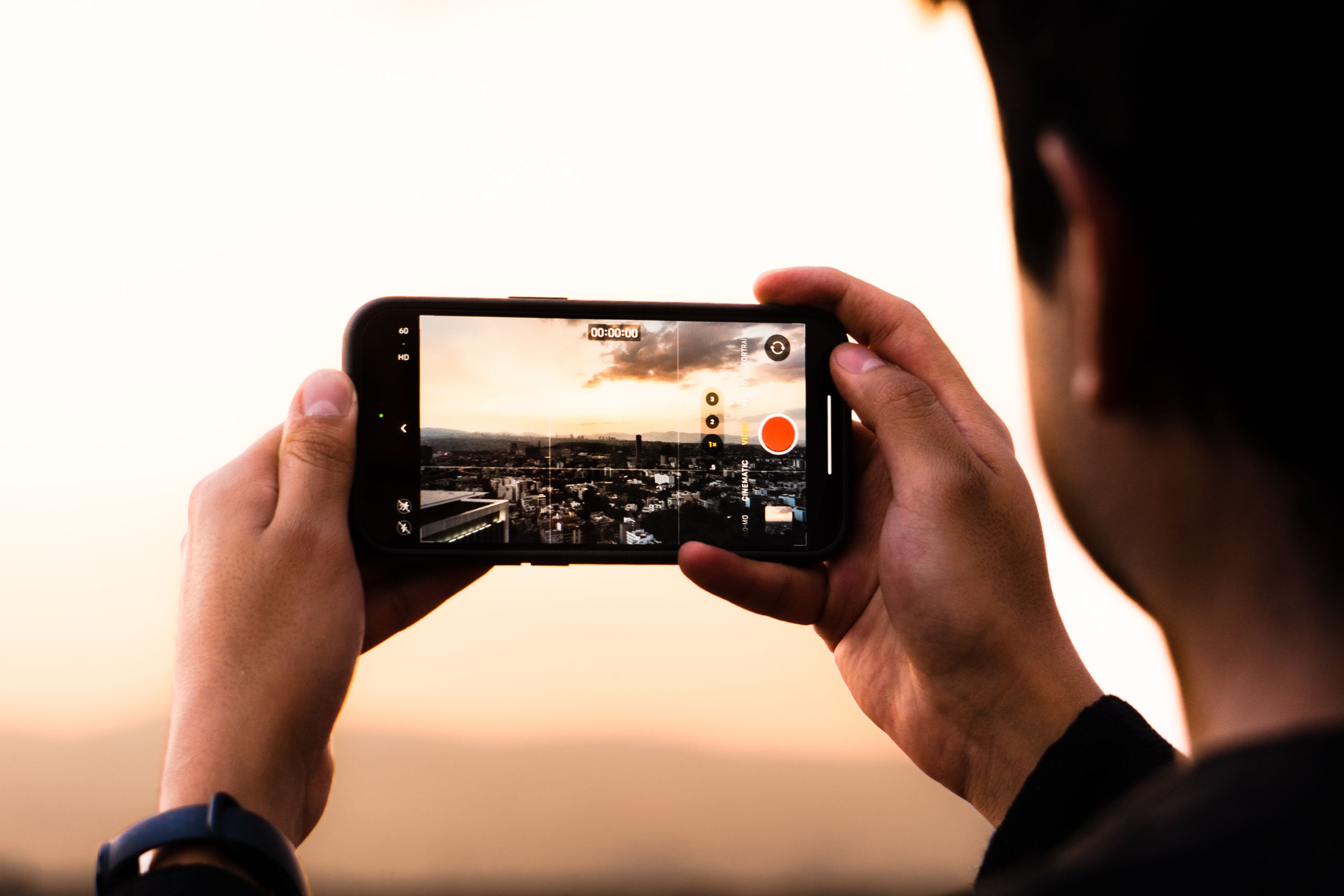
Get short videos filmed by real people on their own phones in the countries you choose. Describe the action, set the pay and approve only the clips that fit.
Video tasks usually get first clips within minutes of going live.

Film short actions from everyday people in the countries you choose.

Approve only the videos that match your brief. Reject what does not.
190+
Countries
13,487
Tasks completed
12,000+
Registered workers
~4 Hours
Avg time to results
Launch a video task yourself and start receiving clips from real contributors, without long negotiations.

Explain the action, camera angle, length and setting you need. Add an example video so workers see exactly what a good clip looks like.
 Actions, activities or placesExample video for referenceClear length and angle rules
Select the countries your contributors should come from, set how many clips each person sends and how many submissions you need in total.
Any number of countries in one taskSeveral clips per submissionYou set the total volume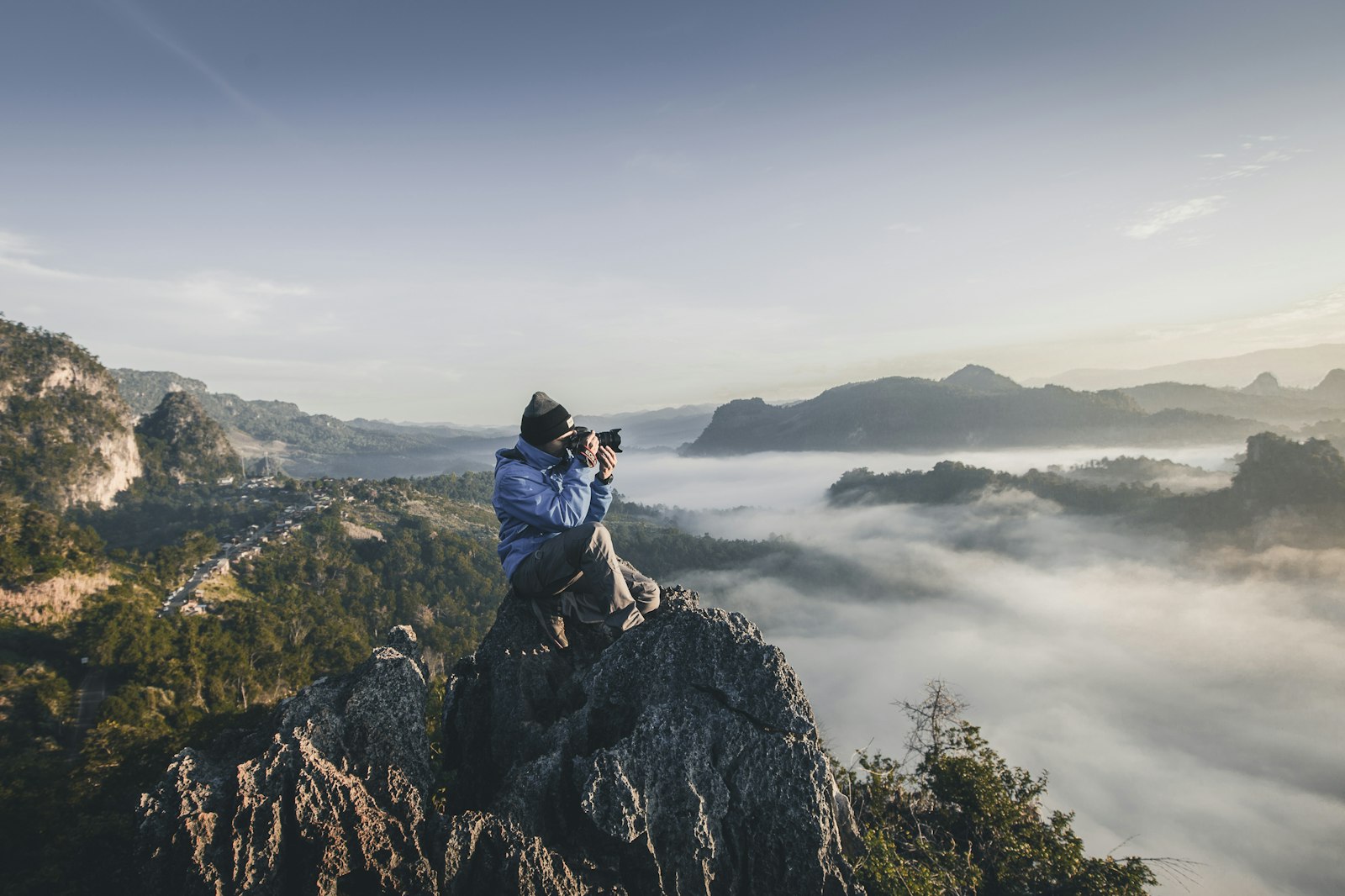
Your task becomes available to workers in the selected countries. They record the scenes you described in their homes, streets and workplaces.
Different phones and camerasReal homes, streets and workplacesNew people in every submission
Watch every submission, approve the videos that meet your requirements and reject the rest. Keep your dataset clean from the start.
Watch every clipApprove or reject each submissionClean data for trainingSet up a task for the exact clips your model needs. Contributors follow your instructions and film on their own phones.
Contributors record gestures, hand signs, poses or simple actions you describe. Every person moves a little differently, which is exactly what your model needs.
Your own list of actionsMany people, many stylesRepeatable short clips
Workers film everyday tasks from their own point of view, with the phone held or mounted at eye or chest level. Used to train robotics and world models.
Egocentric view of real tasksNatural hand movementsHomes and workplaces worldwideExplore egocentric video data collection
Create a video task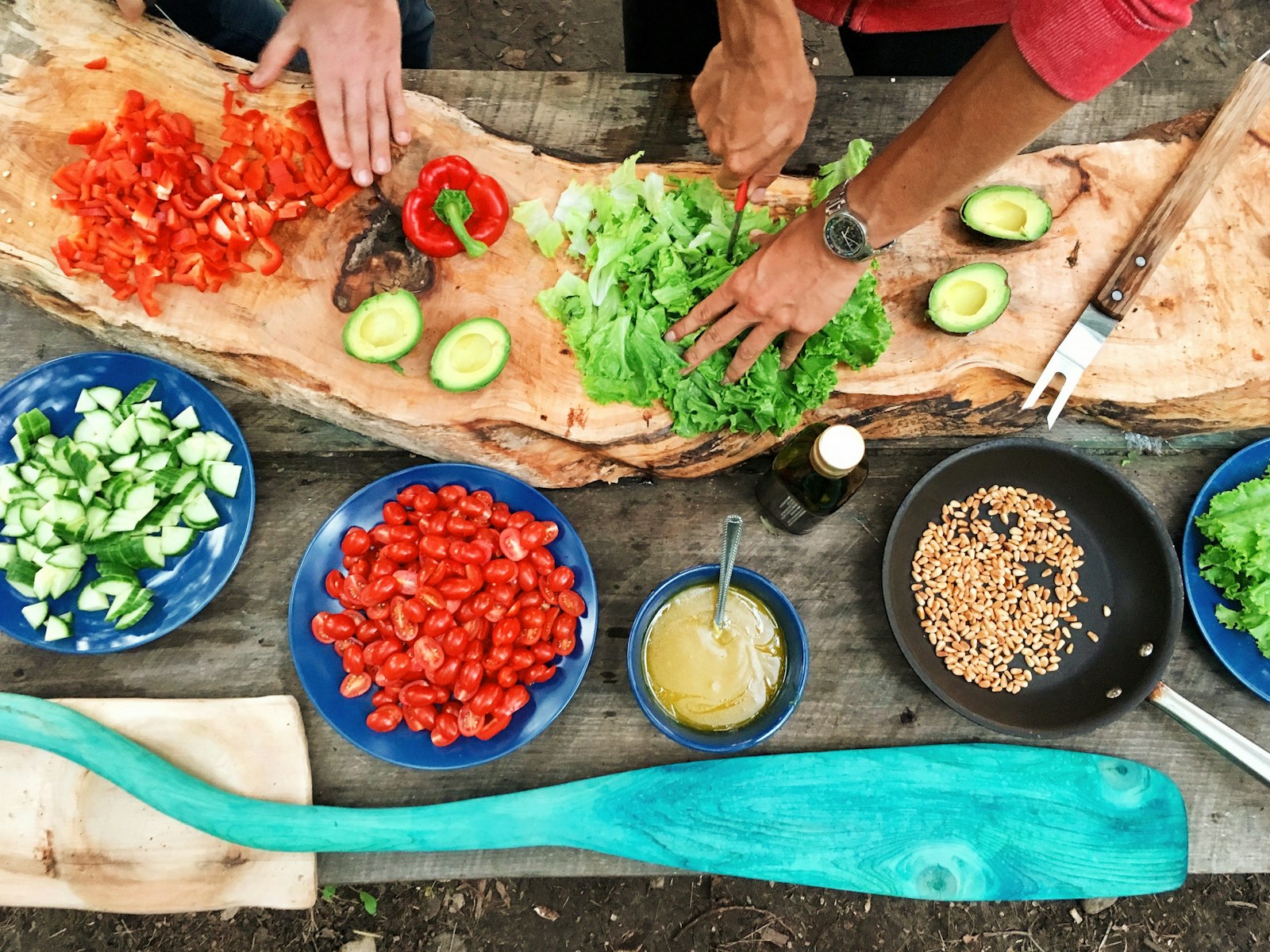
Collect clips of cooking, cleaning, shopping, exercising or working. Contributors film the activities you choose in their own environments.
Activities you defineReal homes and placesLocal routines by country
Contributors film their hands opening, sorting, assembling or using objects. Useful for manipulation, product recognition and robotics models.
Close-up hand movementsReal objects, not propsSteps from start to finish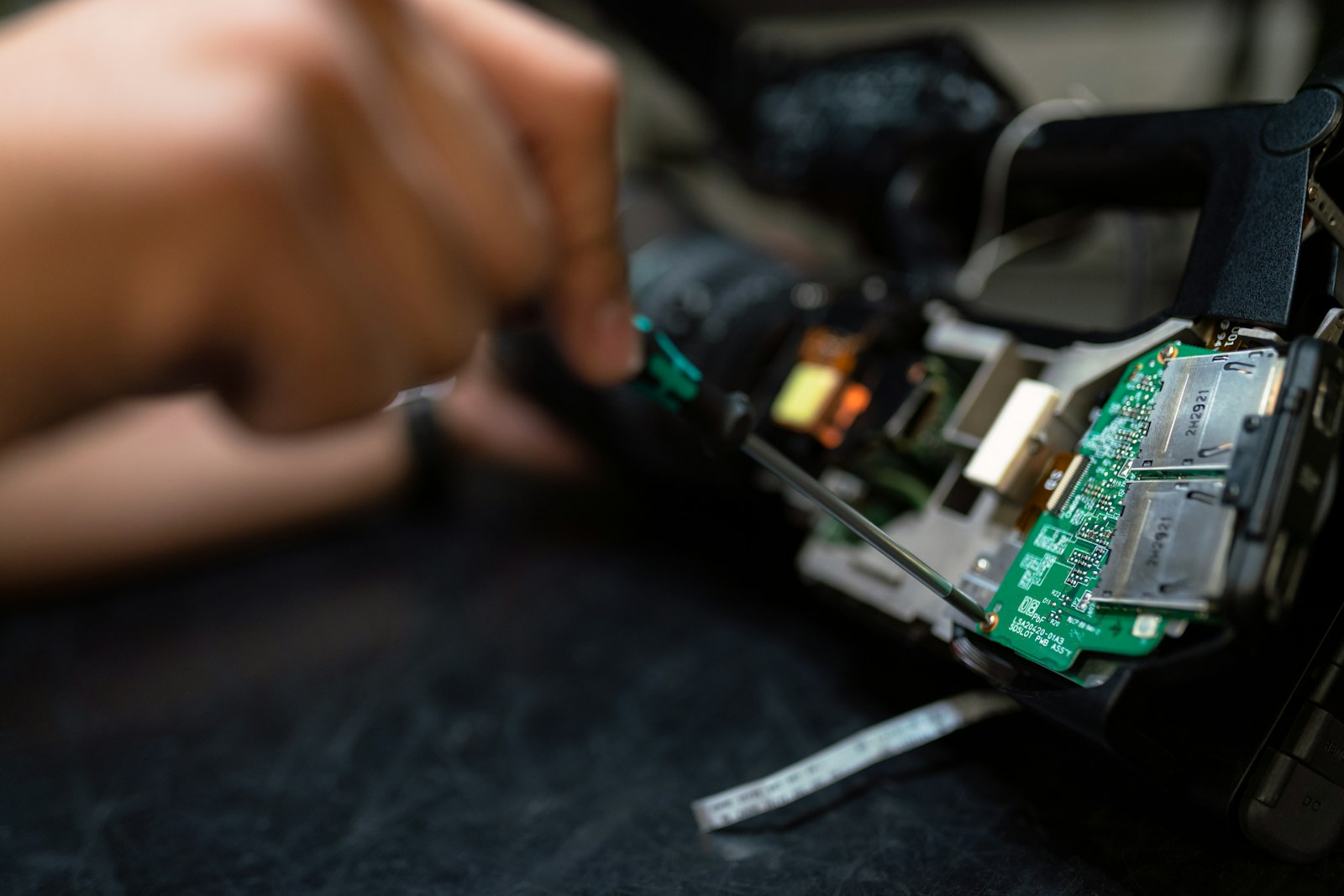
People record themselves speaking a phrase or answering a question on camera. One clip gives you video and audio for multimodal models.
Face and speech togetherScripted or free answersDiverse ages and backgrounds
Contributors walk through apartments, stores, offices or streets while filming. Train models for navigation, mapping and scene understanding.
Indoor and outdoor routesLocal places by countrySteady, continuous shots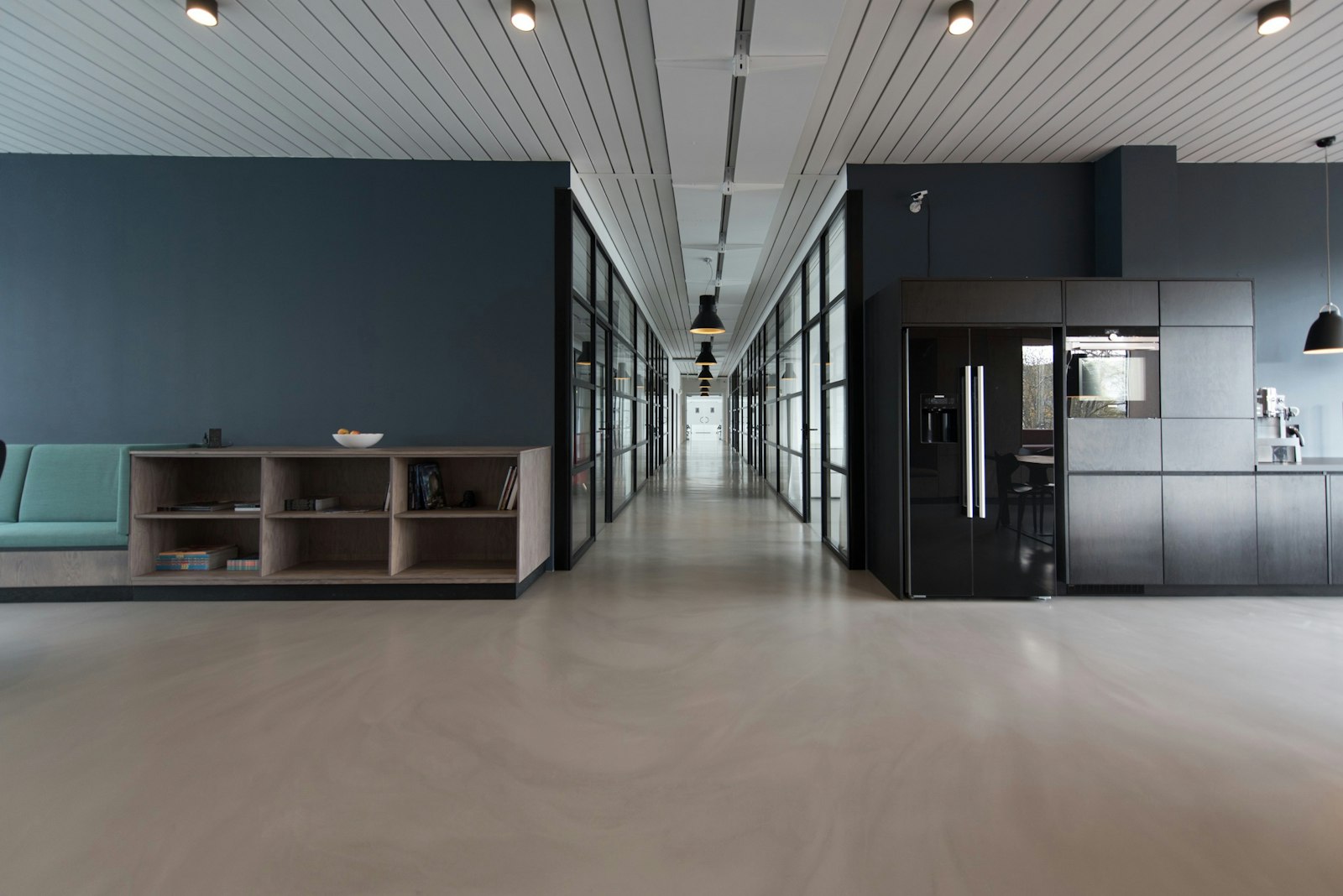
Ask contributors to add a short description of what happens in each clip. You get videos with context, ready for labeling or training.
Your setup
Choose Video collection, set how many clips each worker sends and write instructions with what to film, how long and from which angle.
Video collection task typeNumber of clips per submissionInstructions with an example videoYour view
Each submission arrives with the video clips and the worker's description, ready to review and approve.
Clips and text in one submissionWorker country on every submissionApprove or reject each setChoose where your clips come from and tell contributors exactly what to film. Every submission comes from a different person.

Accept workers from all countries or pick specific ones by continent or individually. Capture local homes, streets and routines in each market.

Describe who should film in your instructions, such as age group, setting or phone type. Reject submissions that do not match.

Upload a reference clip that shows the angle, length and pace you expect, so contributors get it right the first time.

Each worker can complete your task only once. Set the number of submissions you need and get clips from that many different people.
You decide what counts as a good clip and review every submission before it joins your dataset.
Describe the action, length, angle and what must not appear in the frame.

Show a sample video so contributors see the pace and framing you expect.

Watch each submission and accept only clips that meet your requirements.

Launch a separate task where other workers check clips and descriptions for you.
Every clip comes from a real person who chose to take your task and knew what it was for.

Your task description explains what people will film and that the videos will be used to train AI.

Nobody is assigned to your task. Each worker decides to take it and uploads their videos on their own.

Each submission comes from a specific worker in the country you selected, filmed specifically for your task.
You set the pay per task. Adjust the numbers to see what your project will cost, with the 15% platform fee included.
How long it takes a worker to complete one task.
Minimum pay is $0.10 per task. Need more clips later? Extend the same task instead of creating a new one.
Video data collection is gathering short clips from real people to train and test AI models that understand movement, actions and scenes. Good datasets include many people, places, devices and lighting conditions.
You set the pay for each task, starting from $0.10, plus a 15% platform fee. Longer or more complex clips usually need a higher pay rate. A campaign starts from $0.30, so you can test first.
You decide the length in your instructions. Short clips of a few seconds to a few minutes work best: they are easier to film, upload and review.
It is first-person (egocentric) video filmed from the contributor's own point of view while they do a task, such as cooking or sorting items. This type of data is used to train robotics and physical AI models.
Yes. Ask contributors in your instructions to describe what happens in each clip, and every submission will include both video and text.
You can accept workers from all countries or choose specific continents and countries when you create the task.
Describe the resolution, orientation, frame rate and conditions you need in your instructions. Add an example clip to show the result you expect.
State in your instructions that only the contributor may appear in the frame and that faces of others, documents or screens must stay out of view. Reject any submission that breaks these rules.
Yes. Extend your existing task instead of creating a new one. Workers who already took part still cannot submit again.
If you need a special format, a review flow of your own or help with your instructions, contact us through the form below and we will set it up with you.
Need high volume, first-person footage or help writing your task? Send a message and we will set it up with you.