$0.05
per completed task


Buy Facebook shares from $0.10. Specify where workers share your post — News Feed, a Facebook Group, or Messenger — and they submit screenshot proof before you approve payment.
From $0.10
Per Share
Feed, Group
or Messenger
500+
New Workers Daily
190+
Countries
Facebook offers three distinct share destinations — each reaching a different audience. When you post a task on RapidWorkers, you specify which destination workers should use. Group shares reach the most targeted audience; News Feed shares reach the broadest.
Sharer's friends and followers
The post appears on the worker's own timeline, visible to everyone connected to them. Proof: screenshot of the shared post on their profile.
Members of a specific group
Workers who are members of a relevant group share your post into that group. Specify the group name in your task — the worker must already be a member to complete it. Proof: screenshot of the post inside the group.
Specific individuals directly
Workers forward your post privately to one or more contacts via Messenger. Useful for targeted personal recommendations. Proof: screenshot of the Messenger thread with the shared post visible.
Specify which countries workers should share from — or leave it open to workers worldwide. Country-targeted shares keep your engagement geography consistent with your audience.
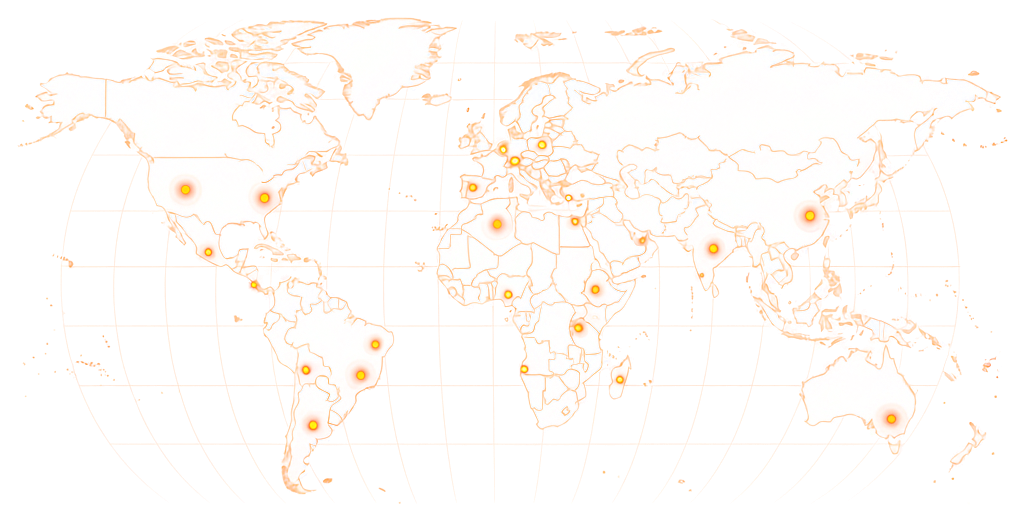
Available in 190+ countries — choose your audience when you create your task.
Share tasks are priced by destination. News Feed and Messenger shares start at $0.10 — group shares reward $0.50–$1.00 because workers must already be members of the target group.
$0.05
per completed task
*These are examples, not fixed pricing tiers.
Estimate your campaign budget based on the number of shares, destination type, and reward per completed task.
Example: 5,000 tasks × $0.08 reward = $400 estimated total

For group shares, name the specific group in your task. Workers who are not members of that group will skip the task — only members who can actually post there will accept it.
Paste your post URL, specify the share destination, and workers share it from their own accounts — with screenshot proof before you approve.
01
Paste the public URL of your Facebook post. Specify the share destination — News Feed, a particular Facebook group, or Messenger. Set your reward per share.
02
Workers accept your task and share your post to the destination you specified — from their own Facebook account. No bots, no panels, no automation.
03
Workers submit a screenshot of the completed share. Check it against your instructions — approve what matches, reject what doesn't, at no cost.
04
Approved shares have already been completed — the post appeared on the worker's feed, inside the group, or in a Messenger thread the moment they submitted.
A share is how a post travels beyond the people who already follow you — onto friends' feeds, into Groups, through Messenger. These are the cases where that spread is the whole point.
Panel services simulate shares or use recycled accounts with no real social connections. A share from an account with zero friends or an empty profile looks exactly like what it is.
RapidWorkers is a microtask marketplace. When you post a share task, a real person accepts it, opens your post from their own active Facebook account, and shares it to the destination you specified. Their friends or group members see the share because it comes from a real account they're connected to.
Your post must be publicly accessible. Workers cannot share a friends-only or restricted post.
Workers submit a screenshot of the completed share before any payment is released — the post on their timeline, inside the group, or the Messenger thread. Review it against your instructions. If it doesn't match, reject it. You pay nothing for that submission.
Screenshot proof in your queue
Share destination and worker's profile name visible before approval
Pay only for approved work
Shares that don't match your instructions are free to reject
Dispute resolution available
For cases where a worker disagrees with a rejection
Pay Rate
$0.20
Time
2 min
Availability
55 / 120
Status
Active
Open the Facebook post linked in this task. Share it to your own News Feed. Screenshot your timeline showing the shared post — your profile name must be visible.
Screenshot of your Facebook timeline showing the shared post, with your profile name clearly visible.
This is how workers see your task on RapidWorkers
Open the Facebook post linked in this task.
Click Share and select 'Share to News Feed'. Add a brief personal note if you'd like. Take a screenshot showing the shared post on your own Facebook timeline.
Important: Share from your own real, active Facebook account. Do not use VPNs or automation tools.
Step 1: Open the post and click Share → Share to News Feed.
Step 2: Screenshot your timeline showing the shared post.
Step 3: Submit the screenshot — your profile name and the shared post must both be visible.
Post your task, choose the destination, and real workers share your post from their own accounts — with screenshot proof before you pay.


