$0.05
per completed task


Buy retweets from real workers who repost your tweet from their own X accounts — no packages, no bots, no password required. Pay per retweet, only for what you approve.
From $0.05
Per Retweet
You Set
The Count
Real
X Accounts
190+
Reposter Countries
Specify which countries workers should repost from — useful if you're building credibility in a specific market. Workers outside your target region skip the task automatically.
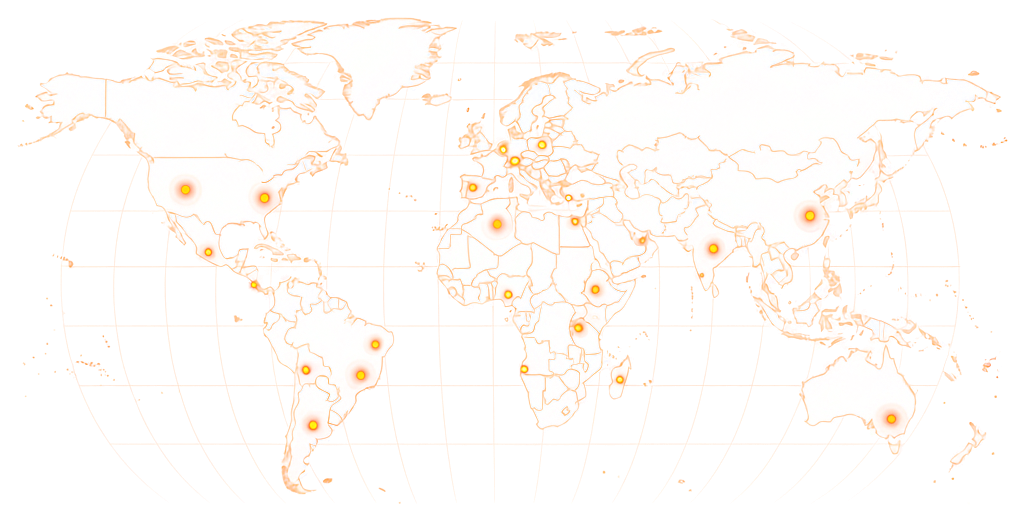
Available in 190+ countries — choose your audience when you create your task.
Retweet tasks start at $0.05 per retweet. Most campaigns reward $0.06–$0.08. Country-targeted retweets typically reward $0.08–$0.10.
$0.05
per completed task
*These are examples, not fixed pricing tiers.
Estimate your total cost based on retweet count and reward per task.
Example: 5,000 tasks × $0.08 reward = $400 estimated total

A tweet that jumps from 0 to 200 retweets overnight with 3 likes looks manufactured. Add likes and comments alongside retweets to keep the engagement ratio plausible. Grow gradually — 20–80 retweets per day is a natural rate for most accounts.
Paste your tweet URL, set your reward, and real workers repost it from their own accounts — screenshot proof before you approve.
01
Enter the URL of the tweet you want retweeted. Set the number of retweet slots, any country requirements, and your reward per retweet. Your task goes live immediately.
02
Workers open your tweet and tap the Repost button from their own Twitter/X account. On X, this is what used to be called a retweet — the tweet appears in the worker's profile and in their followers' feeds.
03
Each worker submits a screenshot showing the repost with their Twitter/X username visible. You review before approving — reject anything that doesn't check out.
04
Reposts are already live before the screenshot is submitted — workers reposted your tweet, then took proof. Your retweet count updates in real time as the task runs.
A repost puts your tweet in front of someone else's followers — and a visible retweet count tells readers it's worth passing on. These are the situations where that spread changes the outcome.
Services that sell retweets through automated panels use bot accounts or shared inactive profiles. When Twitter/X runs integrity sweeps — which they do regularly — those accounts are removed. So are all the retweets they made. Clients have come back to find their retweet counts reset.
RapidWorkers workers are real people with their own Twitter/X accounts, follower graphs, and posting histories. A retweet from a real account is not flagged because there is nothing unusual about it — it looks exactly like organic engagement, because it is.
Workers are not guaranteed to have large follower counts — they are regular users, not influencers. What they provide is a genuine retweet from an account that will not be removed, and visibility to their own follower base however large that is.
Package services charge you upfront for 100 or 500 retweets. On RapidWorkers you set exactly how many slots you want and pay per retweet you approve. Each worker submits a screenshot showing the repost before you release payment — reject anything that doesn't look right at no cost to you.
See the repost before you pay
The worker's repost and their X username are visible in the screenshot
Order the exact number you want
Set 10, 50, or 500 slots — no fixed packages to buy into
Contest a rejection any time
A dispute path covers the rare disagreement over a rejected repost
Pay Rate
$0.07
Time
1 min
Availability
61 / 200
Status
Active
Repost the tweet linked in this task from your own Twitter/X account. Screenshot showing the Repost with your username visible.
Screenshot of the reposted tweet with your Twitter/X username visible.
This is how workers see your task on RapidWorkers
Open the tweet linked in this task.
Repost it from your own Twitter/X account using the Repost button. Take a screenshot showing the repost confirmation or your retweet showing on the tweet — your Twitter/X username must be visible.
Important: Repost from your own real account. Do not use automation tools.
Step 1: Open the tweet and tap Repost.
Step 2: Screenshot the tweet showing the repost with your username visible.
Step 3: Submit the screenshot for review.
Post your task and real workers repost your tweet from their own accounts — screenshot proof before you pay, no packages required.


